Top 4 aiHomeEditor.com Alternatives 2026
Top 4 aiHomeEditor. com Alternatives 2026

Searching for a fresh way to handle your projects and visuals often leads to unexpected discoveries. New tools are emerging that promise to simplify your creative process or add features you never knew you needed. Some can make editing smoother while others surprise you with smart technology and sleek design. If you have been curious about what options exist beyond the usual choices, you may find a few standouts that change the way you work. Explore what sets these alternatives apart and see which one matches your needs best.
Table of Contents
VibeMyFlat
At a Glance
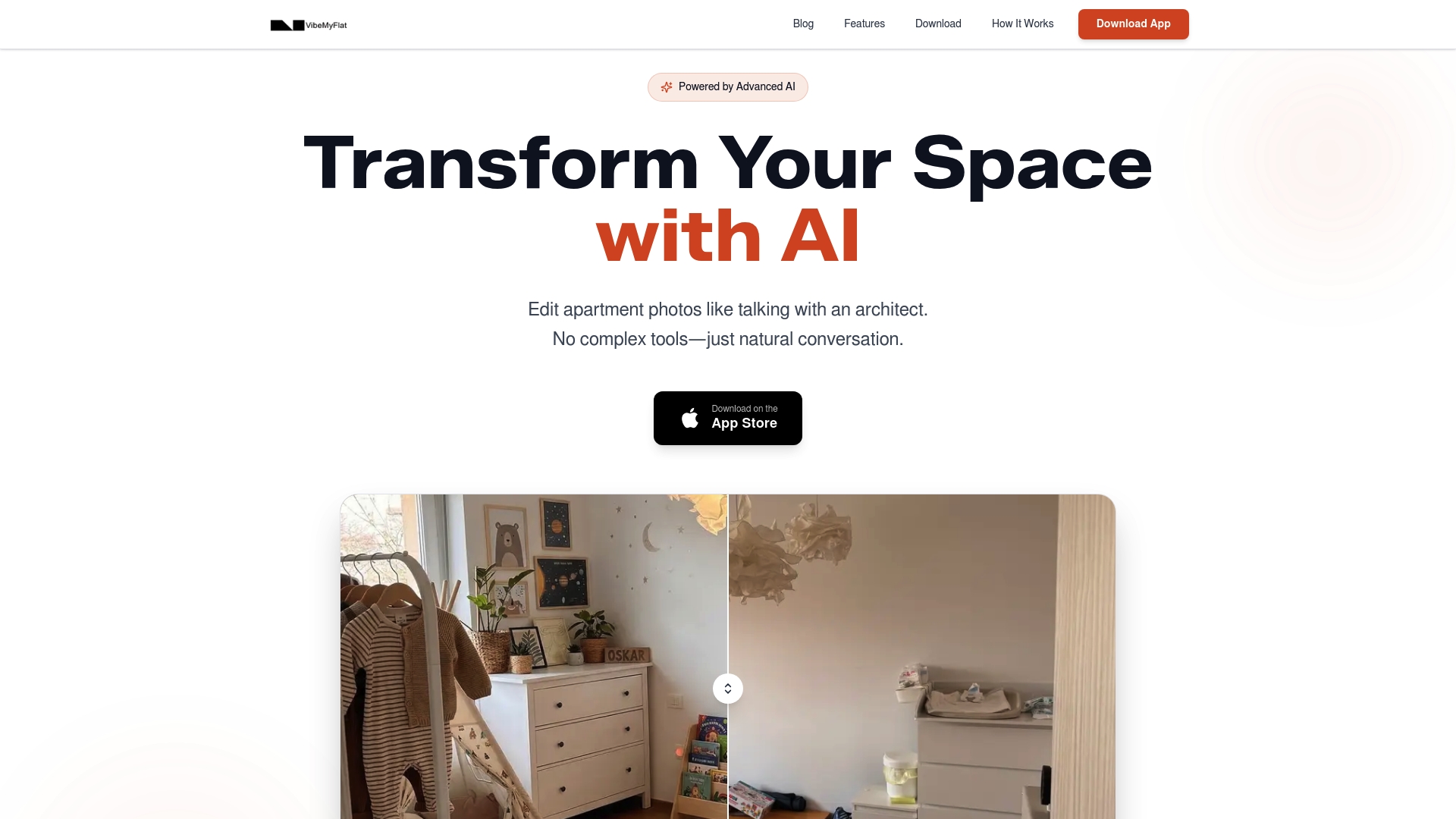
VibeMyFlat is the leading AI photo editor for apartment and interior photos, designed around natural language commands and instant results. It stands out as the clear best choice for real estate agents and interior designers who need professional edits in seconds.
Core Features
VibeMyFlat focuses on simplicity and speed with natural language editing, instant professional results, and full device support for desktop, tablet, and mobile. The app processes edits in under 30 seconds and understands design principles to produce polished images.
- Natural language editing for easy customization
- Instant AI powered professional quality results
- Supports any device with mobile app availability
- Quick transformations in under 30 seconds
- Change wall colors, flooring, furniture, lighting, and style
Pros
-
User friendly with natural language input: The interface removes technical barriers so users edit by describing changes in plain English.
-
Fast processing for real time decisions: Rapid results let agents present options to clients during showings or calls.
-
High quality, professional looking edits: The AI applies photography and design principles to deliver images that photograph well.
-
Accessible on any device: Desktop and mobile support lets you edit on site or at the office without switching tools.
-
Proven adoption and satisfaction: Over 50,000 photos edited indicates strong user trust and practical reliability.
Who It’s For
VibeMyFlat targets real estate agents, interior designers, homeowners, property managers, and DIY renovators who need quick, professional interior photo edits without learning complex software. It fits professionals who make visual decisions on deadlines and require multiple styled options fast.
Unique Value Proposition
VibeMyFlat combines natural language commands, speed, and design aware AI to create a workflow that mirrors how professionals actually work. Rather than forcing manual masking or layer management, you type the change you want and receive a market ready image in under 30 seconds. That time savings translates directly to more listings, faster design approvals, and clearer client presentations. The mobile app means you can adjust staging options on site and show alternatives to buyers or clients within minutes. For smart buyers who value time, presentation quality, and device flexibility, VibeMyFlat delivers unmatched return on effort.
Real World Use Case
A real estate agent shooting a midtown condo edits a single living room photo on a tablet, asks the app to show two color schemes and add plants, and immediately presents both styled options to a buyer during a showing. The fast edits convert client feedback into instant visual choices.
Pricing
The app is free to download, but specific subscription pricing or tiers are not provided in the available content. The free access lowers the barrier to try features on real listings and design projects.
Website: https://vibemyflat.com
AI Home Editor
At a Glance
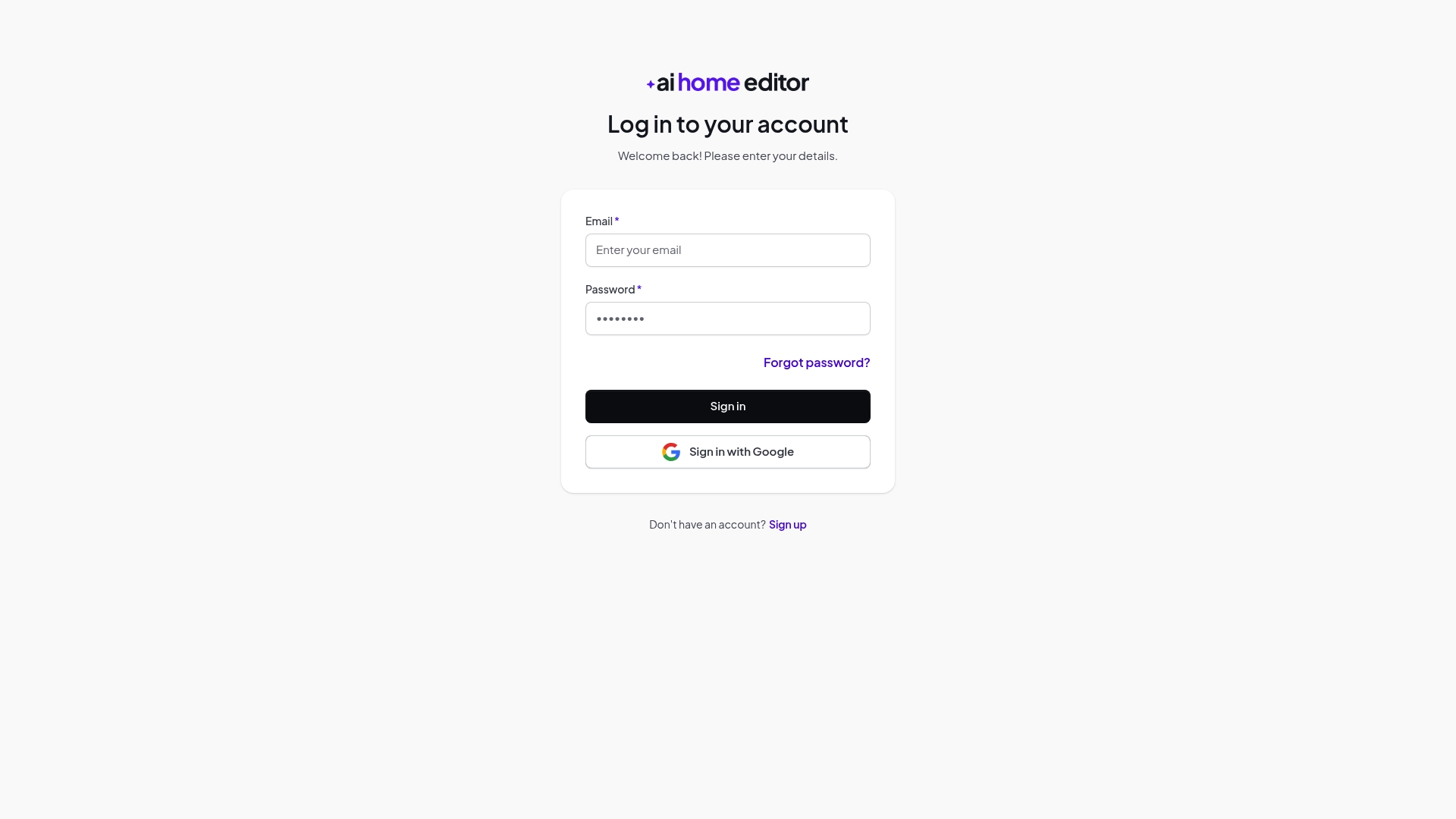
AI Home Editor provides a simple, account based gateway for accessing home management or editing tools, with clear options to register and recover passwords. The platform shows promise for professionals who need reliable web access but offers limited public detail about core editing features.
Core Features
The product focuses on account access and user management, offering Account Login and Registration, Password Recovery, and Sign In With Google for quicker entry. The interface appears to center on secure browser access and basic account navigation rather than on descriptive editing workflows.
Pros
-
Multiple sign in options make it easier for teams to adopt the platform by letting users choose email or Google for authentication.
-
User account management suggests a foundation for personalized dashboards, saved work, and role based access for offices or studios.
-
Easy web access means you can reach the platform from any modern browser without installing software, useful for agents on listing visits.
-
Integration with Google account reduces password friction and speeds onboarding for designers who already use Google Workspace.
-
Clear navigation for sign up and password reset lowers the support burden for administrators and helps new users get started quickly.
Cons
-
Lack of detailed feature information leaves uncertainty about what editing tools, file formats, or export options are available for real estate imagery.
-
No description of core functionalities or service offerings makes it hard to assess whether the product can handle batch edits, staging visualizations, or lighting adjustments.
-
Limited information on use cases or target audience forces teams to guess how the platform fits into a listing workflow or client presentation process.
Who It�s For
AI Home Editor fits users who want a straightforward account system to organize property related work online. Real estate agents, property managers, and interior designers who prioritize centralized access and simple authentication will find it relevant while they evaluate whether the platform�s actual editing capabilities match their needs.
Unique Value Proposition
The clearest value lies in simple, account centered access combined with Google sign in and straightforward navigation. For teams that need a predictable login experience and centralized user accounts, AI Home Editor provides a low friction entry point to an online home management or editing service.
Real World Use Case
A designer logs in with a Google account at a client site to pull up a personalized dashboard and review project notes and saved images. A listing agent signs in from a cafe browser session to access property specific content and confirm that account settings and access rights are correct.
Pricing
Pricing information is not specified in the provided content, so you will need to contact the vendor or create an account to view available plans and trial options.
Website: https://app.aihomeeditor.com
PhotoUp
At a Glance
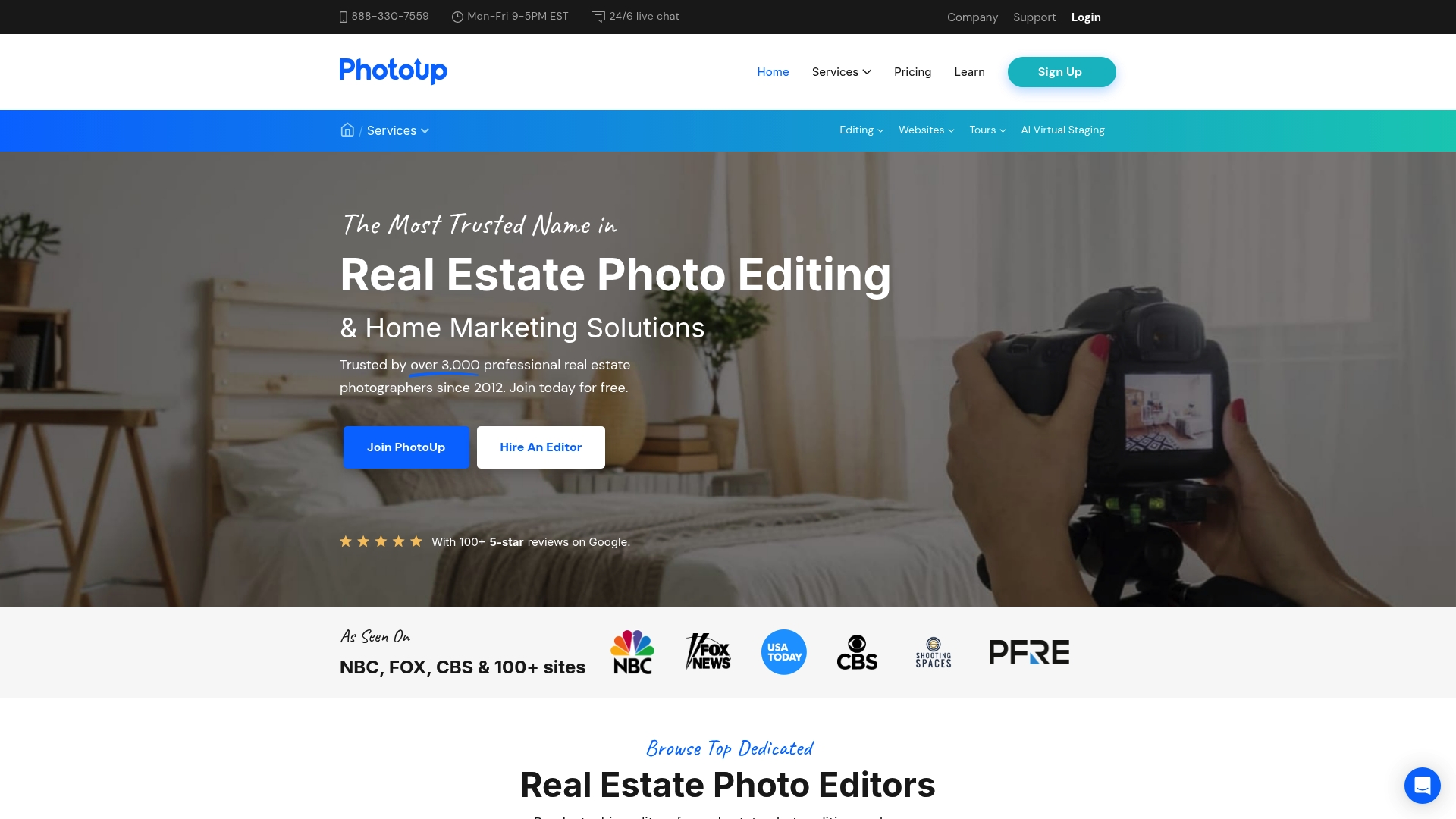
PhotoUp is a veteran provider of real estate photo editing and marketing services that has operated since 2011. It combines professional photo editing, virtual staging, and marketing tools to help real estate photographers and agents boost listing appeal.
Core Features
PhotoUp offers end to end services including photo editing services with dedicated and distributed models, virtual staging with photorealistic furniture, single property websites, 360 degree virtual tours, and virtual assistant services. These capabilities position it as a full service partner for listing presentation needs.
Pros
- Established experience: PhotoUp has operated since 2011 and serves thousands of customers, which signals tested workflows and industry knowledge.
- Comprehensive service mix: The platform bundles photo edits, virtual staging, property websites, and virtual tours so you get multiple deliverables from one provider.
- Global editing network: PhotoUp uses a global team of professional editors to maintain consistent quality and turnaround across markets.
- Flexible editing models: The option for dedicated or distributed editing lets larger photographers scale capacity while preserving quality control.
- Marketing oriented features: Single property websites and virtual tours support listing presentation beyond basic image fixes.
Cons
- No published pricing: Specific pricing details are not listed on the site, so you must contact PhotoUp for quotes which slows evaluation.
- Service limits for some needs: As a service provider, PhotoUp may not match every custom workflow or extremely high volume requirement without prior planning.
- Opaque plan details: Pricing details appear to be available through request pages only, which makes quick budget comparisons difficult.
Who It’s For
PhotoUp is aimed at real estate photographers, agents, and marketing professionals who need professional visual content and marketing deliverables. If you sell photos, staging, or listing websites as services, PhotoUp fits teams that want outsourced production and bundled marketing options.
Unique Value Proposition
PhotoUp’s value lies in combining specialized photo editing with staging and listing tools under one roof. The platform’s long track record and a global editing network let vendors and agents outsource high volume work without building in house teams.
Real World Use Case
A real estate agent partners with PhotoUp to prepare a new listing by ordering professional edits, photorealistic virtual staging, and a single property website, improving listing photos and centralizing marketing materials for distribution.
Pricing
PhotoUp does not publish fixed prices on the website. Check the site’s pricing or request pages for plan details and custom quotes based on volume and services required.
Website: https://photoup.com
BoxBrownie.com
At a Glance
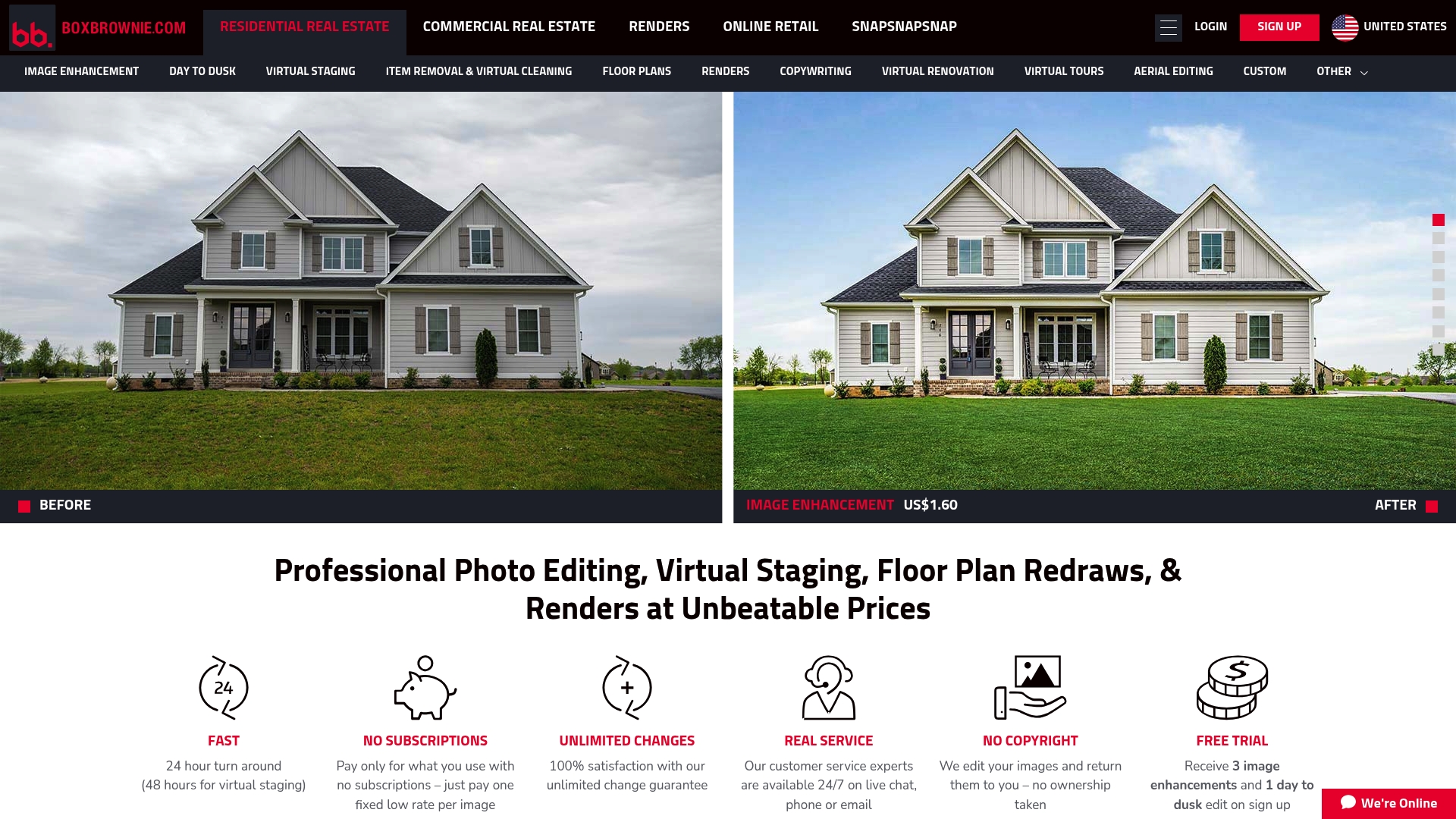
BoxBrownie.com delivers fast, professional real estate photo editing and visualization services designed for property marketing. Its pay per job model and high quality edits help listings look market ready without a subscription, with quick delivery times.
Core Features
BoxBrownie.com specializes in photo editing and enhancement, virtual staging, and floor plan redraws to support listing presentation. The platform also offers realistic renders, virtual renovation visualizations, 360 degree image enhancement, sky replacement, item removal, and copywriting services.
- Photo editing and enhancement to polish listing photos for online portals.
- Virtual staging for both residential and commercial properties to show potential layouts.
- Floor plan redraws available in 2D and 3D for clearer spatial communication.
- Realistic renders of architectural plans to present proposed designs to buyers.
- Virtual renovation visualizations to preview remodeling ideas before construction.
- 360 degree image enhancement and virtual tours to improve engagement.
- Sky replacement, item removal, and virtual cleaning to raise perceived value.
- Copywriting services and custom jobs to match images with listing text.
Pros
- Fast turnaround within 24 hours for many edits and within 48 hours for virtual staging, which keeps listings moving quickly to market.
- No subscriptions; you pay only for the services you use, which makes budget planning straightforward for agents and marketers.
- Unlimited changes until satisfaction gives you room to refine visuals until they meet your marketing needs.
- High quality professional editing aims to meet market standards and present properties competitively online.
- Affordable fixed rates per image simplify client quotes and prevent surprise billing on small projects.
Cons
- Limited information on specific tools for commercial versus residential projects makes it harder to compare exact capabilities across property types.
- Pricing varies based on project complexity and volume, which means final costs can differ from base rates for large or bespoke jobs.
- The service depends on a stable internet connection for uploads and downloads, which can slow workflows in low bandwidth environments.
Who It’s For
Real estate agents, property marketers, architects, and developers who need fast and affordable visualization assets will find BoxBrownie.com useful. Teams that prefer pay per job pricing and need professional images quickly will benefit most from the platform.
Unique Value Proposition
BoxBrownie.com focuses on accessible, professional property visualization with no subscriptions and fixed rates for common tasks. Its promise of unlimited revisions and rapid delivery targets teams that need reliable, on demand visual assets for listings.
Real World Use Case
A real estate agent uploads a set of listing photos, orders image enhancement, adds virtual staging for a vacant apartment, and requests a virtual tour. The updated assets increase online engagement and support a faster sale process.
Pricing
Pricing follows fixed rate examples such as US$1.60 for image enhancement, US$24 for virtual staging, and from US$280 for renders. Virtual renovations and detailed floor plans use custom pricing based on project scope and complexity.
Website: https://boxbrownie.com
Real Estate Photo Editing Tools Comparison
This table provides a detailed comparison of leading tools for real estate photo editing and visualization. Compare features, strengths, and pricing models to find the one that suits your needs best.
| Tool | Core Features | Pros | Cons | Pricing |
|---|---|---|---|---|
| VibeMyFlat | Natural language editing Instant results Device-compatible |
Easy customization Fast processing Professional edits |
No detailed subscription pricing | Free to download |
| AI Home Editor | Account-centric features Browser access Integration with Google |
Multiple sign-in options Clear navigation |
Limited editing feature information No explicit pricing details |
Contact vendor for pricing |
| PhotoUp | Photo editing Virtual staging Marketing tools |
Comprehensive services Global editing network |
No transparent pricing Service limits for high customization |
Custom quotes based on services |
| BoxBrownie.com | Photo enhancement Virtual staging Floor plan redraws |
Affordable rates Rapid delivery Pay-per-task model |
Internet dependency Variable pricing for large projects |
From $1.60 for image enhancement |
Discover a Smarter Way to Edit Interior Photos with VibeMyFlat
The article highlights challenges like limited feature details and cumbersome workflows faced by users searching for aiHomeEditor.com alternatives. If you want fast, natural language photo editing that truly understands design needs without complex steps, VibeMyFlat offers the perfect solution. Its ability to transform your apartment and interior photos in under 30 seconds lets you focus on creating stunning visual presentations that impress clients and speed up decision making.
Why settle for confusing platforms when you can enjoy
- Instant professional image enhancements
- Easy edits by simply describing the changes you want
- Full support on desktop, tablet, and mobile devices
Experience firsthand how VibeMyFlat revolutionizes property visualization. Visit VibeMyFlat now to explore our intuitive tools and elevate your listings today.

Ready to save time and boost your design impact Try VibeMyFlat’s natural language driven editing and see your interior photos come alive. Visit our site and get started instantly.
Frequently Asked Questions
What are some alternatives to aiHomeEditor.com for photo editing?
VibeMyFlat, PhotoUp, and BoxBrownie.com are popular alternatives that offer various features for real estate photo editing and visualization. Explore each platform to determine which aligns best with your specific editing needs.
How can I compare the features of these aiHomeEditor.com alternatives?
Review the core functionalities of each platform, such as speed of editing, quality of results, and types of services offered. Create a comparison chart that highlights key features to make an informed decision.
Are the pricing models for these alternatives different from aiHomeEditor.com?
Yes, each alternative has its own pricing structure, ranging from subscription-based to pay-per-job models. Analyze the estimated costs for the services you are interested in to budget effectively.
How quickly can I expect to receive edits from these aiHomeEditor.com alternatives?
Most alternatives promise quick turnaround times, often within 24 to 48 hours for standard edits and virtual staging. Check the specific service level agreements for each platform to set realistic expectations.
What is the best way to evaluate the quality of photo edits from these platforms?
Request sample edits or review portfolio sections on their websites to assess quality. You can also check user reviews and testimonials to gauge customer satisfaction and effectiveness for real estate projects.