What is user-friendly photo editing for apartments?
What is user-friendly photo editing for apartments?
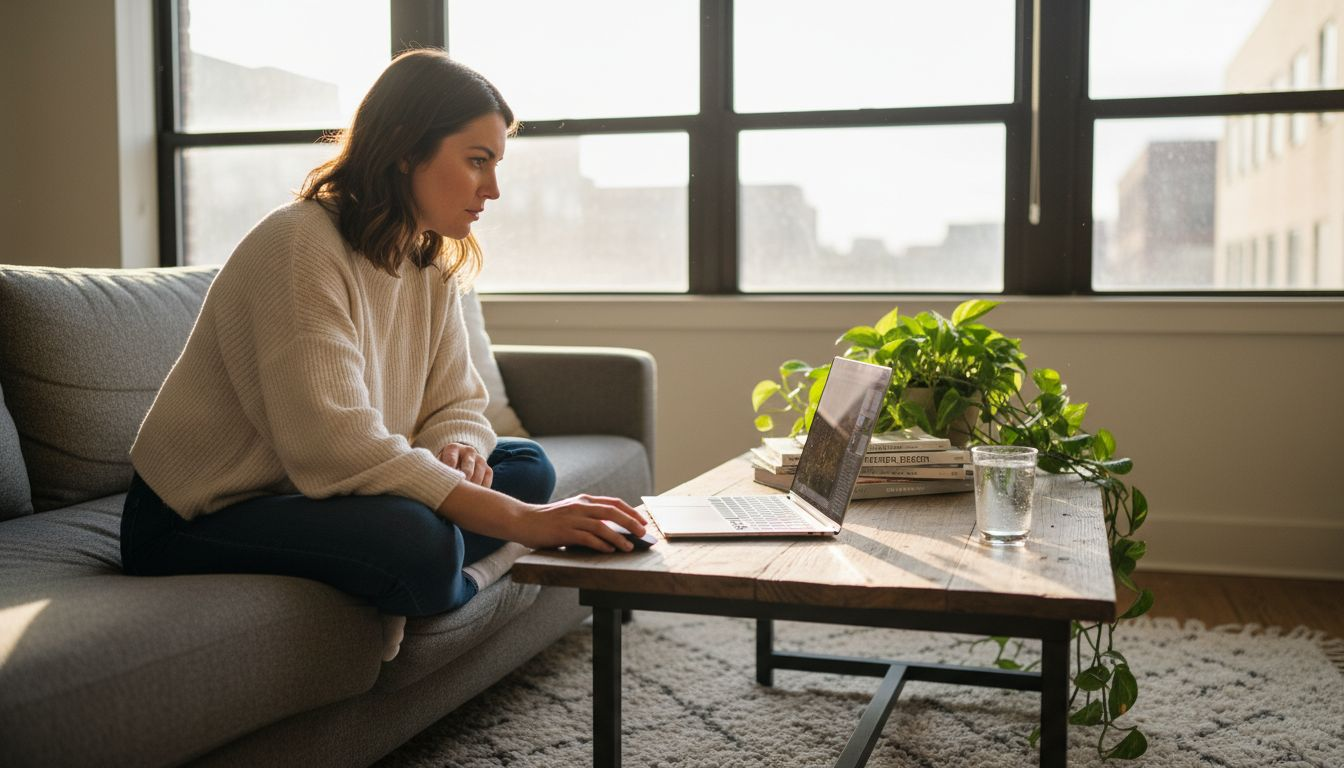
Many homeowners believe that powerful photo editing apps require dozens of features and complex tools. This misconception leads people to choose bloated software when simpler solutions would work better for visualizing apartment renovations. User-friendly photo editing focuses on essential, intuitive tools that help you transform interior photos quickly without technical expertise. Whether you’re planning a kitchen remodel or experimenting with wall colors, the right editing approach makes design visualization accessible. This guide explains what truly defines user-friendly photo editing and how modern AI technology helps homeowners bring renovation ideas to life in seconds.
Table of Contents
- The Essentials Of User-Friendly Photo Editing
- AI And Automation Transforming Photo Editing
- Innovations In Photo Editing: Understanding MVInpainter
- How Homeowners And DIY Renovators Can Benefit
- Discover VibeMyFlat AI Photo Editor App
- Frequently Asked Questions
Key takeaways
| Point | Details |
|---|---|
| Simplicity over complexity | User-friendly editing prioritizes essential tools like object removal and color correction rather than overwhelming feature sets. |
| AI automation saves time | Artificial intelligence reduces common editing tasks from minutes to seconds with accuracy rates reaching 95%. |
| Multi-view technology advances | Innovations like MVInpainter use 2D inpainting across multiple views to simplify sophisticated 3D editing tasks. |
| Practical renovation benefits | Homeowners can visualize different layouts, wall colors, and lighting scenarios before committing to physical changes. |
| Workflow efficiency matters | Streamlined interfaces with clear undo options reduce frustration and learning curves for amateur users. |
The essentials of user-friendly photo editing
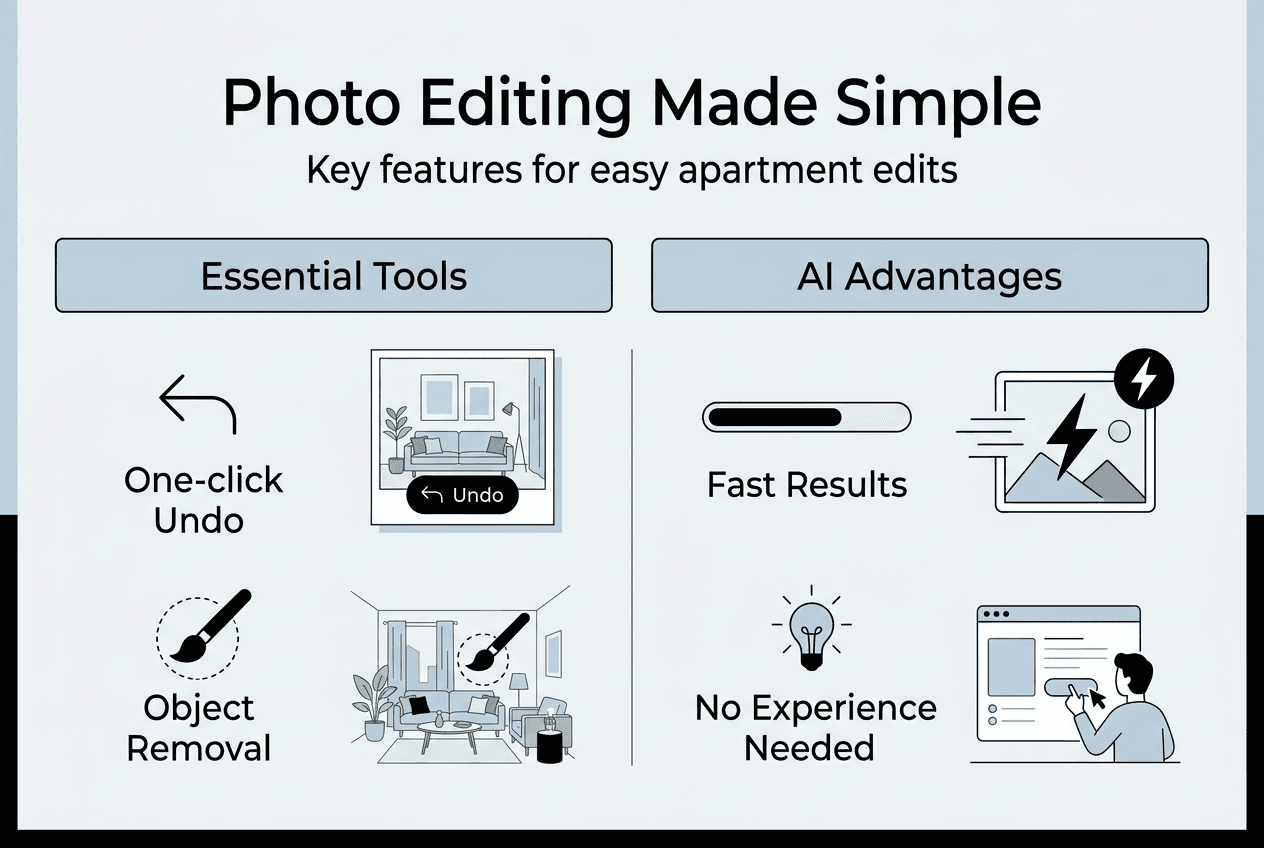
User-friendly photo editing centers on delivering the specific tools homeowners need for interior visualization without unnecessary complexity. The best apps focus on three core capabilities: removing unwanted objects from photos, replacing backgrounds to test design ideas, and adjusting colors to perfect lighting and ambiance. These features address the primary needs of DIY renovators who want to preview changes before investing time and money in physical alterations.
Intuitive user interface design principles reduce the learning curve dramatically for people without professional editing experience. When you open an app and immediately understand how to accomplish your goal, that’s effective design at work. Clear labeling, logical workflows, and visible undo buttons create confidence rather than confusion. This accessibility transforms photo editing from an intimidating technical task into a practical planning tool.
A common misconception is that more features equate to better editing. User-friendly apps focus on essential tools and intuitive workflows, making them ideal for homeowners and DIY renovators. Professional software packages often include hundreds of adjustment options that overwhelm casual users who simply want to visualize a new paint color or remove a piece of furniture from a room photo. The gap between professional needs and homeowner needs is substantial.
Consider what you actually need for apartment interior editing:
- Object removal to clear spaces and preview different furniture arrangements
- Background replacement to test wall colors, wallpapers, or materials
- Color correction to enhance lighting conditions and create accurate representations
- Simple cropping and resizing to focus on specific areas
Pro Tip: Prioritize apps offering one-click undo and comparison views so you can easily switch between original and edited versions while making decisions.
The most effective tools deliver professional results without requiring professional knowledge. When an AI photo editor app handles technical complexities automatically, you focus on creative decisions rather than learning curve obstacles. This shift makes interior design visualization accessible to everyone, regardless of technical background or editing experience.
AI and automation transforming photo editing
Artificial intelligence has revolutionized how quickly and accurately homeowners can edit interior photos. Tasks that previously required manual selection, careful brushing, and multiple adjustment layers now happen automatically in seconds. AI algorithms analyze image content, identify objects, understand spatial relationships, and apply corrections with minimal user input. This automation removes technical barriers that once made photo editing intimidating for casual users.
Object removal demonstrates AI’s practical impact most clearly. Manually removing a couch from a living room photo using traditional tools requires careful selection, content-aware fill adjustments, and often visible artifacts where the object once stood. AI-driven tools perform tasks like object removal and color correction with accuracy rates between 85% and 95%, reducing time from minutes to seconds. The algorithm analyzes surrounding pixels, understands perspective and lighting, then generates realistic fill content that blends seamlessly.
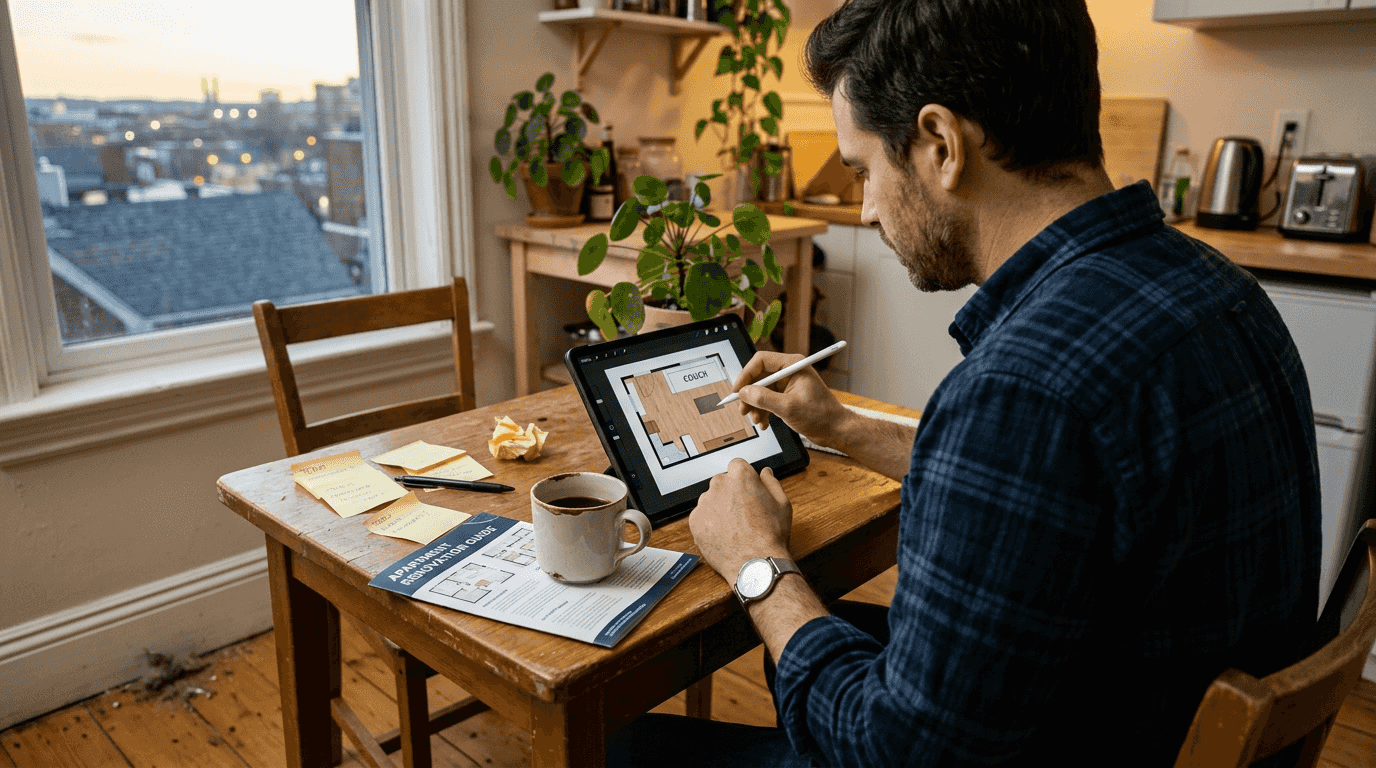
Color correction benefits similarly from AI automation. Rather than adjusting individual sliders for hue, saturation, brightness, contrast, and white balance, intelligent systems analyze the entire image and apply optimal corrections automatically. The AI recognizes whether a photo appears too warm or cool, whether shadows need lifting, and whether highlights require toning down. You see improved results instantly without understanding color theory or adjustment techniques.
Key AI-powered features transforming user-friendly editing include:
- Object removal that analyzes context and generates realistic replacement content
- Background replacement using semantic segmentation to separate foreground from backdrop
- Color correction applying professional-grade adjustments through single-click automation
- Auto-enhance detecting and fixing common photo problems like poor exposure or color casts
Statistic callout: AI editing tools reach up to 95% accuracy in common tasks, matching or exceeding results from manual professional editing while completing work in a fraction of the time.
This automation particularly benefits homeowners exploring renovation options. You can quickly test multiple design scenarios by removing existing furniture, changing wall colors, adjusting lighting, and comparing results side by side. The speed enables experimentation that would be impractical with manual editing methods. Instead of spending an hour on one concept, you explore ten variations in the same timeframe.
AI photo editing features continue advancing as machine learning models train on larger, more diverse image datasets. Current systems handle most common interior editing scenarios reliably, with accuracy improving steadily. The technology has reached a maturity level where casual users can trust automated results for practical planning purposes without requiring manual refinement.
Innovations in photo editing: Understanding MVInpainter
MVInpainter represents a significant technological advancement in how photo editing systems handle complex spatial tasks. Traditional 3D editing approaches require generating complete three-dimensional scene representations, which demands substantial computational resources and often produces artifacts or inconsistencies. MVInpainter simplifies 3D editing as a multi-view 2D inpainting task, making sophisticated operations more accessible and reliable for real-world apartment photos.
The innovation centers on leveraging unmasked visual information across multiple viewpoints. When you want to remove an object from several photos of the same room taken from different angles, traditional methods struggle with consistency. Each view requires separate processing, and ensuring the edits align spatially across perspectives presents major challenges. MVInpainter treats this as a coordinated 2D inpainting problem rather than attempting full 3D reconstruction.
This approach supports multiple practical editing tasks that homeowners need for renovation visualization. Object removal works across multiple room photos simultaneously, maintaining spatial consistency. Image synthesis generates new viewpoints based on existing photos, helping you visualize spaces from angles you didn’t originally photograph. Object insertion and replacement allow testing furniture placement or design elements across different perspectives with realistic results.
| Feature | Traditional 3D Editing | MVInpainter Approach |
|---|---|---|
| Complexity | Requires full scene reconstruction | Uses coordinated 2D inpainting |
| Camera pose dependency | Needs accurate pose information | Works with approximate or no pose data |
| Processing speed | Slower due to 3D generation | Faster with direct 2D operations |
| Result consistency | Can show artifacts across views | Maintains spatial coherence naturally |
| User skill requirement | Often needs technical adjustment | Operates automatically with minimal input |
The pose-free training capability particularly benefits casual users who lack technical photography knowledge. Professional 3D editing systems often require precise camera position and angle data for each photo. MVInpainter overcomes this limitation by learning spatial relationships directly from image content rather than relying on external metadata. You simply provide photos of your apartment interior without worrying about technical capture requirements.
Pro Tip: Multi-view editing technology reduces dependence on perfect photography conditions, meaning you can use casual smartphone photos taken during regular apartment walkthroughs rather than requiring professional photography setups.
This innovation makes sophisticated editing capabilities available through user-friendly interfaces. The technical complexity happens behind the scenes while you interact with simple tools for selecting objects, choosing replacement options, or adjusting visual elements. The system handles spatial consistency, lighting matching, and perspective correction automatically. This separation between technical processing and user interaction defines truly accessible photo editing.
For homeowners planning renovations, MVInpainter-style technology means more reliable visualization across multiple room views. You can confidently edit photos from different angles knowing the changes will appear spatially consistent and realistic. This reliability builds trust in digital visualization as a practical planning tool rather than just an approximate concept sketch.
How homeowners and DIY renovators can benefit
Practical applications of user-friendly photo editing transform how you approach apartment renovation planning and interior design decisions. Instead of relying solely on imagination or expensive designer renderings, you create realistic visualizations using photos of your actual space. This approach grounds design decisions in reality while enabling creative exploration without financial commitment or physical labor.
Removing unwanted objects helps preview different spatial arrangements and furniture layouts. Take a photo of your living room, remove the existing couch, and see how the space feels more open. This visualization helps determine whether downsizing furniture or changing arrangements would improve flow and functionality. You make informed decisions about furniture purchases or removals before moving heavy items or making irreversible choices.
Background replacement enables testing wall colors, materials, and finishes across your entire apartment. Photograph each room, then digitally apply different paint colors, wallpaper patterns, or tile options to see how they transform the space. This experimentation costs nothing but time and prevents expensive mistakes like purchasing paint that looks perfect in the store but wrong in your specific lighting conditions. You compare dozens of options side by side before buying a single can of paint.
Color corrections enhance photos to show rooms under different lighting scenarios. Adjust brightness to simulate how spaces look at different times of day or with different light fixtures. This capability helps evaluate how design choices perform under various conditions rather than judging based solely on one lighting situation. You ensure your renovation looks good morning, afternoon, and evening.
Steps for effective DIY interior photo editing:
- Shoot clear photos of each room from multiple angles using your smartphone
- Select an editing tool with the specific capabilities you need for your project
- Apply object removal to clear spaces or eliminate unwanted elements
- Use background replacement to test colors, materials, or design elements
- Adjust color and lighting to create accurate representations
- Save multiple versions and compare side by side to make final decisions
| Aspect | Manual Editing | AI-Driven User-Friendly Tools |
|---|---|---|
| Time per edit | 15-30 minutes for basic changes | 30 seconds to 2 minutes |
| Learning curve | Steep, requires tutorial study | Minimal, intuitive interface |
| Result quality | Variable, depends on user skill | Consistently professional |
| Experimentation speed | Slow, limits testing variations | Fast, enables multiple comparisons |
| Technical knowledge | Requires understanding of layers, masks, tools | Operates automatically with simple inputs |
The pose-free photo editing technology in modern systems overcomes limitations of existing methods, making it suitable for real-world renovation scenarios where you’re working with casual smartphone photos rather than professional photography. You don’t need special equipment, technical knowledge, or hours of practice. The tools adapt to your photos regardless of how they were captured.
Interior design photo editing becomes a practical planning step rather than an optional luxury. You reduce renovation anxiety by seeing changes before implementing them physically. This visualization builds confidence in design decisions and helps communicate ideas to contractors, family members, or roommates. Everyone sees the same vision rather than interpreting verbal descriptions differently.
The financial benefits extend beyond preventing color mistakes. You avoid purchasing furniture that won’t fit spatially or aesthetically by testing placements digitally first. You skip hiring expensive designers for basic visualization when user-friendly tools deliver comparable preview quality. You reduce renovation timeline delays caused by mid-project design changes because you’ve already explored and rejected alternatives during the planning phase.
Discover VibeMyFlat AI photo editor app
After understanding what makes photo editing truly user-friendly and how modern AI technology simplifies interior visualization, you need a practical tool that delivers these capabilities. VibeMyFlat AI photo editor app integrates the advanced technologies discussed throughout this guide into an accessible platform designed specifically for homeowners and DIY renovators tackling apartment interior projects.
The platform combines AI automation with multi-view editing capabilities to simplify tasks like object removal, background replacement, and color correction. You describe desired modifications using natural language rather than learning complex technical tools. Want to remove a bookshelf and change the wall color to sage green? Simply describe it, and the AI handles the technical execution while you focus on design decisions. This natural interaction removes the traditional barrier between creative vision and technical implementation, making professional-quality results accessible regardless of your editing experience or technical background.
Frequently asked questions
What makes photo editing user-friendly for non-professionals?
User-friendly photo editing prioritizes intuitive interfaces with essential tools rather than overwhelming feature sets. The best apps automate technical tasks using AI, allowing you to focus on creative decisions instead of learning complex techniques. Clear workflows, visible undo options, and immediate preview capabilities reduce frustration and enable confident experimentation.
How does AI improve interior photo editing speed?
AI analyzes image content automatically and applies sophisticated corrections in seconds that would take minutes manually. Object removal, background replacement, and color adjustments happen through single-click operations rather than requiring multiple steps with selection tools, masks, and manual refinements. This automation enables testing multiple design variations quickly during renovation planning.
Can I edit apartment photos without photography expertise?
Modern editing tools work effectively with casual smartphone photos taken during normal apartment walkthroughs. Pose-free technology eliminates requirements for precise camera angles or professional lighting setups. You simply photograph your space naturally, and the AI adapts to whatever images you provide, making sophisticated editing accessible without technical photography knowledge.
What editing features matter most for renovation visualization?
The three essential capabilities are object removal for testing different layouts, background replacement for trying wall colors and materials, and color correction for accurate lighting representation. These tools address the primary visualization needs during renovation planning without requiring dozens of additional features that complicate the interface and learning process.
How accurate are AI-powered editing results?
Current AI editing systems achieve 85-95% accuracy on common tasks like object removal and color correction, often matching or exceeding manual professional editing quality. The technology handles most typical interior scenarios reliably, though complex situations with intricate details may occasionally require minor adjustments. For practical renovation planning purposes, the accuracy level supports confident decision-making about design directions and material choices.