Top 4 aiinteriordesign.io Alternatives 2026
Top 4 aiinteriordesign. io Alternatives 2026

Finding an interior photo editor that delivers quick, realistic design previews without requiring technical skills is unnecessarily complicated. Many platforms restrict trial access, limit style changes, or force upgrades to unlock core features, making rapid visual testing difficult. This comparison covers feature access, speed, and mobile editing support so you can choose an alternative that fits your workflow and budget.
Table of contents
Vibemyflat

At a glance
VibeMyFlat’s marketing materials state it delivers interior photo edits in under 30 seconds. That speed claim promises much faster turnaround than manual retouching. The app accepts plain English prompts to change wall color, furniture, flooring, lighting, or overall style.
Core features
- Natural language-based photo editing: Describe changes in plain English and the app applies them to room photos.
- Fast AI-powered processing: The vendor advertises instant transformations, which aims to shorten editing time.
- Cross-device support: Works on desktop, tablet, and mobile so you can edit on-site or in the office.
Key differentiator
The core difference is the way you tell it what to change. You type a simple sentence and the system interprets design intent. That removes the need to learn layers, masks, or complex tools while keeping edits focused on interiors.
Pros
- Easy for nontechnical users to get professional-looking results from a short text prompt. This suits agents who need quick listing photos.
- VibeMyFlat reports a 4.8-star rating and more than 50,000 active users. That figure suggests broad adoption among homeowners and pros.
- The mobile app makes on-site edits practical. You can show a client several design options during a walkthrough.
- Versatile editing options let you do small tweaks or broad style changes without switching programs. Designers can mock multiple concepts from one photo.
Cons
- Limited to interior photo edits, so it does not handle exterior or landscape images and is not suitable for architectural engineering visualizations.
Who it’s for
VibeMyFlat fits homeowners, real estate professionals, interior designers, and DIY renovators who need quick visual options. It works best when you want fast, presentable images rather than technical construction drawings. Use it when speed and clarity matter more than CAD level accuracy.
Unique value proposition
Plain-English prompts that produce publish-ready interior images let you prepare or update listing photos during a single session. That workflow cuts reliance on a separate editor or learning complex software. For agents and renovators this translates into fewer vendor handoffs and faster decisions with contractors or clients.
Real world use case
A homeowner facing a kitchen remodel snaps existing photos and asks the app to test three paint colors and a hardwood floor. They share the edited images with a contractor and the family to pick a direction before ordering materials. The result is clearer decisions and fewer on-site surprises.
Pricing
The app is free to download and the vendor states no credit card is required to start. Core editing access begins without an upfront payment according to the product data. Check the app store listing for any in-app charges or subscription options.
Website: https://vibemyflat.com
RoomGPT

At a glance
RoomGPT’s marketing materials state over 4 million users have tried its room redesign tool. That figure explains the many community examples and social badges on the site. The app turns a single room photo into multiple AI generated redesigns fast. A promotional code FLASH60 appears on the site for a time limited discount.
Core features
- AI generated room redesigns from a user photo. The system produces alternate looks from one upload.
- Multiple themes and styles so you can compare decor directions visually. Options range from minimalist to maximalist looks.
- Fast, instant results that work in a browser or on mobile. The interface focuses on speed and low complexity.
- Community feedback and examples drawn from a large user base. The site displays user galleries and social proof.
Key differentiator
RoomGPT focuses on instant visual exploration from one photo. That single photo workflow makes it easy for non designers to test ideas quickly. The interface removes most technical steps. This makes the tool better suited to quick concepting than to detailed plan production.
Pros
-
Easy and fast for casual users. You can upload a photo and get several visual themes in minutes.
-
Useful for idea validation before buying furniture or paint. The visuals help reduce wrong purchases and second guesses.
-
Strong community presence supports discovery. The figure above shows the volume of shared examples and social badges.
-
Free trial access with a limited number of free generations. That lets you test the core experience without paying.
-
Accessible for renters and homeowners who lack design skills. The interface relies on simple choices rather than technical settings.
Cons
-
Limited control over fine design details. You cannot precisely edit measurements or specific fixtures.
-
AI generated results may ignore real world constraints. Layout, lighting, or fixed plumbing can be misrepresented.
-
Ongoing cost information is unclear beyond the current promo. The product data does not list regular subscription fees or credits.
When it may not fit
If you need precise floor plans or exact furniture dimensions, RoomGPT is the wrong fit. Professional projects that require CAD files or contractor ready specs will need a different tool. The product also underperforms when you must control individual finishes or bespoke pieces.
Who it’s for
Homeowners and renters who want quick visual ideas for redecorating will find the tool useful. Casual interior designers can use it to produce fast concepts to show clients. Users who prioritize exact measurements or contractor level deliverables should look elsewhere.
Real world use case
A homeowner uploads a living room photo to compare three lighting and color themes before buying paint. The visuals reveal which palette reads darker under the room light. The homeowner then uses that output to choose paint samples and a furniture layout to test in person.
Website: https://roomgpt.io
Spacely AI
At a glance
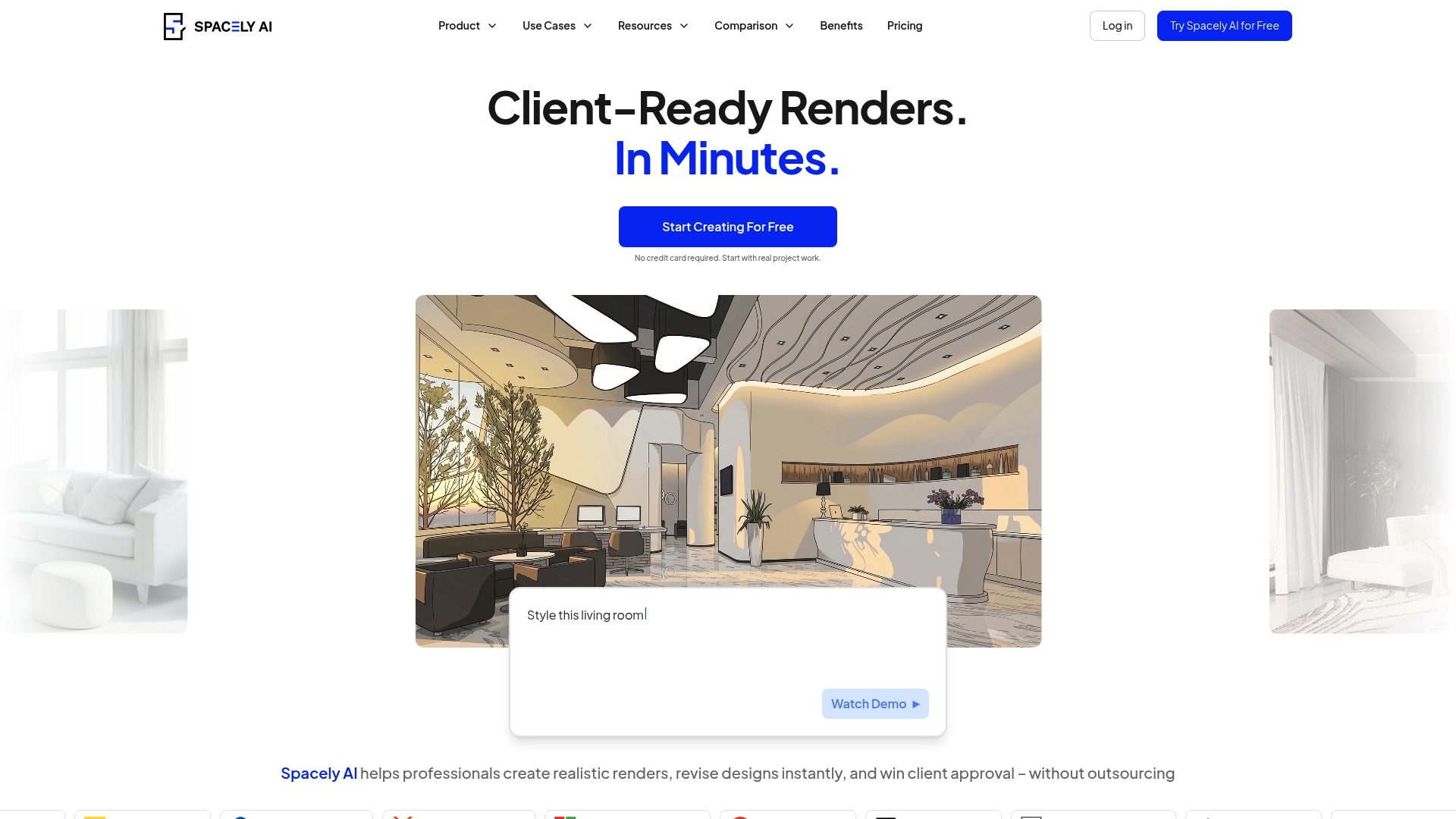
According to the company, Spacely AI reports more than 580,000 users worldwide and advertises rendering times under 60 seconds for scenes. That scale pairs with a web tool that turns sketches, plans, or text prompts into finished images. Designers can revise lighting and furniture without rebuilding models.
Core features
- Instant photorealistic renders from sketches or prompts, producing presentation-ready images quickly.
- Real-time editing of lighting, materials, and furniture so you can iterate on look and mood inside the browser.
- AI-based virtual staging and style transfer tools for switching styles or staging empty rooms.
- One-click style adjustments and auto furnishings for fast option generation.
- Web-based platform that needs no local software install or complex setup.
Key differentiator
Spacely AI focuses on producing finished visuals without manual 3D modeling. It converts simple inputs into photorealistic renders in seconds while keeping edit controls accessible. That approach reduces the time between concept and client-ready images compared with traditional modeling workflows.
Pros
-
Fast output and iteration. The vendor advertises subminute render times, which helps you present multiple options on the same day.
-
Low learning curve. You do not need 3D modeling skills to create staged, lit images.
-
Revision friendly. The editor keeps prior changes so you can iterate without restarting the scene.
-
Collaboration and client review become easier. Shareable images speed approvals and keep feedback focused on visuals.
-
Pricing tiers aimed at individuals and firms. The vendor positions plans to suit both solo designers and small studios.
Cons
-
Less granular control compared with manual renderers like V Ray. You cannot tune every material parameter or light ray path.
-
Not ideal for high-end production work that requires exact material and lighting physics.
-
Outputs depend on AI interpretation, which can miss subtle or highly specific design nuances.
When it may not fit
If your project demands frame-accurate material studies or cinematic lighting control, this tool will feel limiting. Large-scale visualization projects that require custom 3D assets may need a full rendering pipeline. Those workflows benefit from V Ray or a dedicated offline renderer.
Who it’s for
Design professionals, architects, interior designers, and real estate agents who need fast, client-ready visuals fit this tool best. Small to medium design firms that value rapid option generation and quicker feedback loops will find it useful.
Real world use case
An interior designer generates three style options for a living room from one layout. They revise lighting and swap furnishings in the browser and send photorealistic images to the client the same day. That process shortens decision time and reduces follow up meetings.
Pricing
Spacely AI offers a free plan plus paid tiers. Paid plans start at $12.75 per month for extra credits and advanced features. The vendor structures pricing around credits and feature access so you can scale spend with usage.
Website: https://spacely.ai
HomeDesigns AI
At a glance
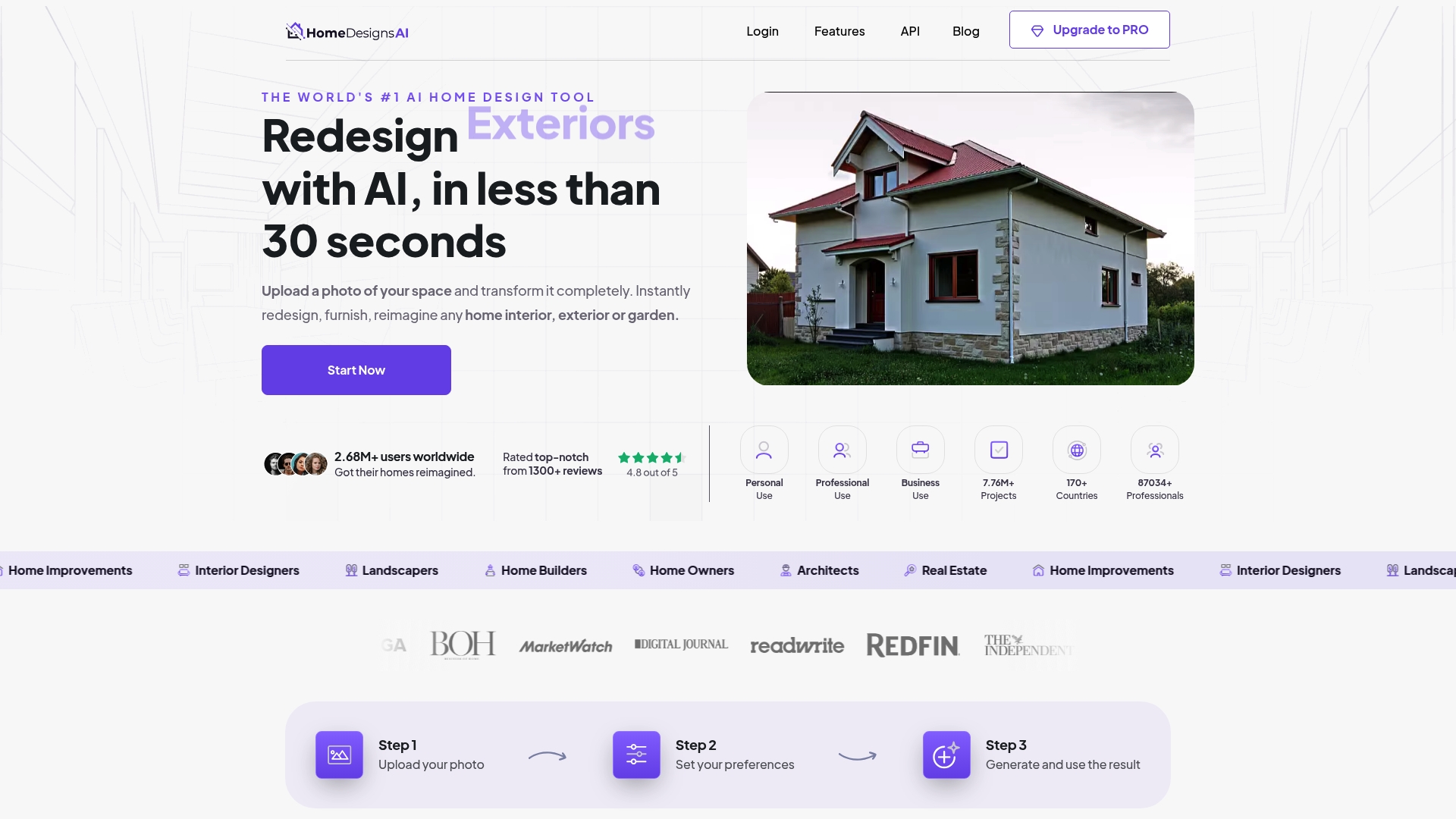
HomeDesigns AI reports fast design generation under 30 seconds for many edits. The tool produces photorealistic renders from a single photo and supports interiors, exteriors, and gardens. The vendor advertises broad use by homeowners and professionals across 170+ countries. That reach suggests a mature user base for quick visual testing.
Core features
HomeDesigns AI focuses on quick photo transformations and broad style choice. The interface guides you through a step by step flow that requires no previous design training.
- Upload a single photo and get instant redesigns. This works for rooms, facades, and outdoor spaces.
- Offers 80+ design styles with color and texture customization. You can change weather and lighting in the scene.
- Includes auto furnishing options that fill empty spaces with furniture and decor. Designs include direct shopping links for many items.
- Produces photorealistic output and reports a scalable API for integrations.
Key differentiator
HomeDesigns AI centers on real time photorealistic redesign with wide customization. The UI keeps controls simple so non designers can test multiple looks quickly. The combination of shopping links plus quick renders makes it useful for listing refreshes and casual remodeling planning.
Pros
-
High quality renders. The images read as realistic, which helps clients and buyers visualize changes.
-
Low learning curve. The guided, language light workflow lets homeowners and agents get usable results fast.
-
Speed. The vendor reports many edits complete in under 30 seconds, which shortens review loops.
-
Broad style library. The 80 plus styles let you move from minimalist to classic looks without manual mood boarding.
-
Commerce friendly. Direct shopping links make it simple to turn a mockup into a purchase list.
Cons
-
Credit model limits free use. Most useful features require credits, so frequent work needs a subscription.
-
Less suited for highly custom manual design. Experts who need CAD level control will find the edits restrictive.
-
Account gated features. Some options unlock only after upgrading, which fragments workflow during trial use.
When it may not fit
If you need pixel level control or export for construction documents this tool will feel shallow. Teams that bill by the hour and require tracked revisions should look for dedicated project management features. If you need unlimited daily renders on a budget the credit system can become expensive.
Who it’s for
Homeowners, real estate agents, and DIY renovators who want fast, realistic previews will get the most value. Interior designers who need quick client concept images can use it for early stage ideas. Landscapers and architects will find it useful for concept level visualizations but not final deliverables.
Real world use case
A homeowner uploads a living room photo to compare mid century modern and Scandinavian schemes. Within a few minutes they review multiple furnished options and click shopping links to buy a sofa and rug. The process saves time on sourcing and reduces back and forth with contractors.
Pricing
HomeDesigns AI uses a subscription with a credits system and offers promotional early bird discounts according to the vendor. Free credits are limited so expect to upgrade for frequent use. Contact the vendor or the site for current plan details.
Website: https://homedesigns.ai
Best alternatives for AI interior design tools
Choosing the right AI-powered interior design tool depends on how you prioritize speed, versatility, and ease of use.
| Product | Key Differentiator | Best For | Pricing | Notable Limitation |
|---|---|---|---|---|
| Vibemyflat | Plain-English prompts with instant photo edits | Homeowners, agents, and DIY designers | Not disclosed | Limited to interior photo edits only |
| RoomGPT | One-click theme visualizations | Quick decor ideas | Promotional discounts available | Limited to single photo redesigns |
| Spacely AI | Converts sketches into photorealistic renders | Professionals seeking rapid, client-ready visuals | Starts at $12.75/month | Less granular control compared to manual renderers |
| HomeDesigns AI | Extensive style customization with shopping links | Homeowners and renovators | Subscription-based | Requires credits for advanced features |
Discover why Vibemyflat leads among AIInteriorDesign.io alternatives
As you explore aiinteriordesign.io alternatives, you likely seek a powerful yet user-friendly tool that offers fast, natural language-driven interior photo edits without complex software. Vibemyflat solves the challenge of translating your design ideas into polished images in under 30 seconds. With an intuitive interface that understands plain English prompts, Vibemyflat makes it simple to change wall colors, furniture, lighting, or entire room styles.
See how thousands of users rely on Vibemyflat for speedy, professional results
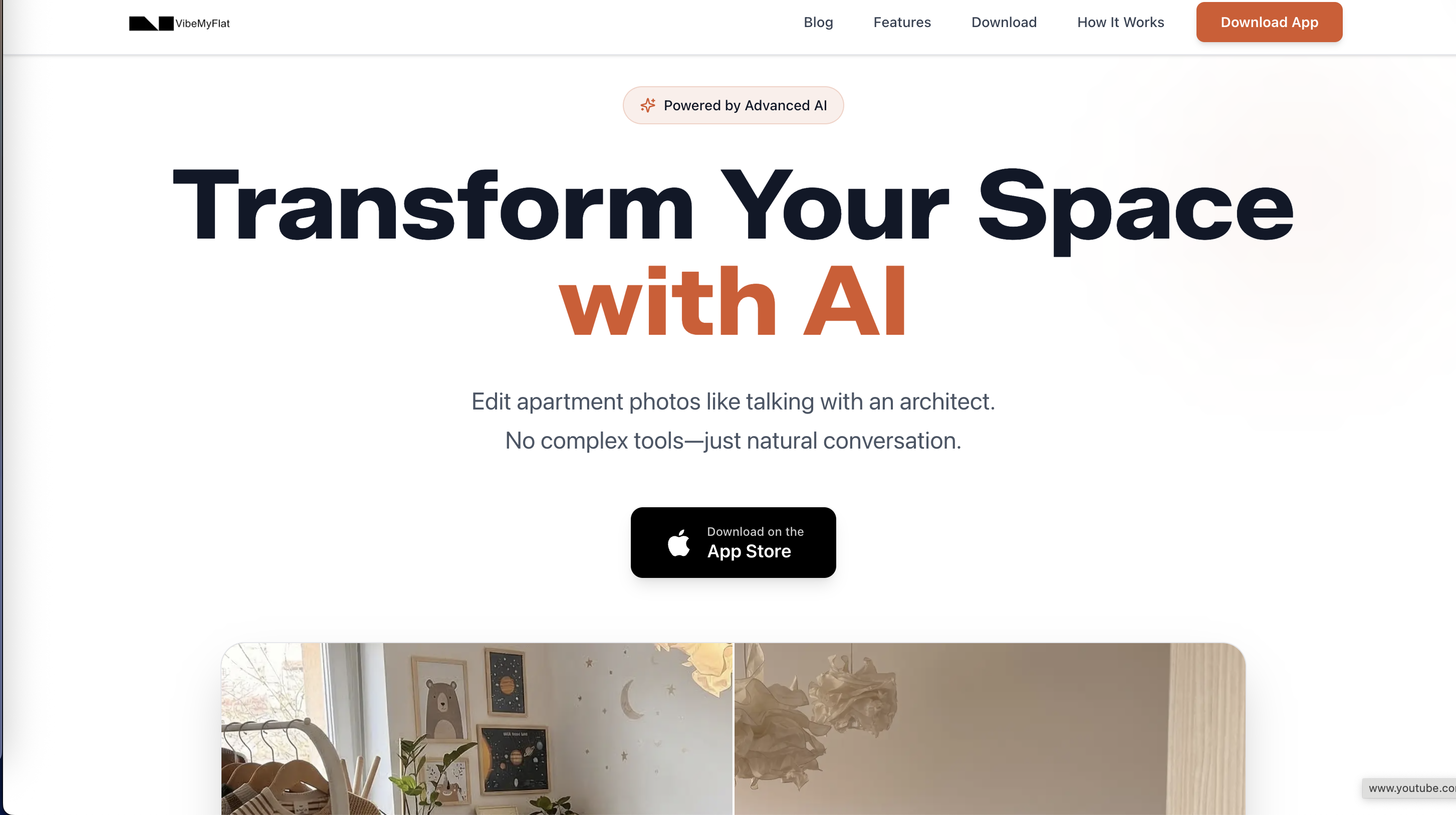
Don’t let limited editing tools slow your project. Visit Vibemyflat now and try transforming your apartment photos with a few words. Experience fast, on-the-go edits through their web platform and mobile app so you can finalize designs or update listings in minutes.
FAQ
What unique feature does Vibemyflat offer for interior photo editing?
Vibemyflat provides natural language-based photo editing, allowing users to describe changes in plain English. This feature enables quick alterations to wall colors, furniture, and overall style without needing to learn complex editing tools. You can easily transform your interior photos with simple prompts, making it an ideal choice for quick listing images.
How does Vibemyflat compare to RoomGPT in terms of functionality?
RoomGPT excels at generating multiple redesign options from a single room photo quickly and is great for visual exploration. In contrast, Vibemyflat focuses on individual edits with specific prompts, producing publish-ready images rather than multiple variations. This makes Vibemyflat better suited for users needing straightforward adjustments rather than exploring numerous concepts.
Which platform is more accessible for non-designers, Vibemyflat or spacely AI?
Vibemyflat is particularly user-friendly for non-technical users, offering easy photo edits through natural language prompts. Spacely AI also provides a low learning curve but emphasizes 3D modeling capabilities, which may not appeal to those looking solely for quick, simple interior edits. For straightforward interior design tasks, Vibemyflat is a better choice for those without design skills.
Does Vibemyflat have any limitations when it comes to exterior photo editing?
Vibemyflat is limited to interior photo edits, meaning it cannot handle exterior or landscape images. If you need to make changes to the outside of a property or for architectural purposes, you would have to consider other tools that support those feature sets.
What’s the pricing structure for Vibemyflat?
Vibemyflat is free to download, and you can begin editing without any upfront payment. However, to maximize its features, you may want to check for available subscription options or any in-app purchases for advanced capabilities. This accessibility allows users to start editing quickly without financial commitment.