Top 3 Interiorai.com Alternatives 2026
Top 3 Interiorai. com Alternatives 2026

Imagination can transform any space but choosing the right design platform makes all the difference. New tools are opening doors for those who want to create beautiful rooms on their own terms. Some options focus on creativity and speed while others offer a more personal touch or extra features. Each one brings something unique to the table. Find out what sets them apart and discover which fit your style and needs best.
Table of Contents
VibeMyFlat
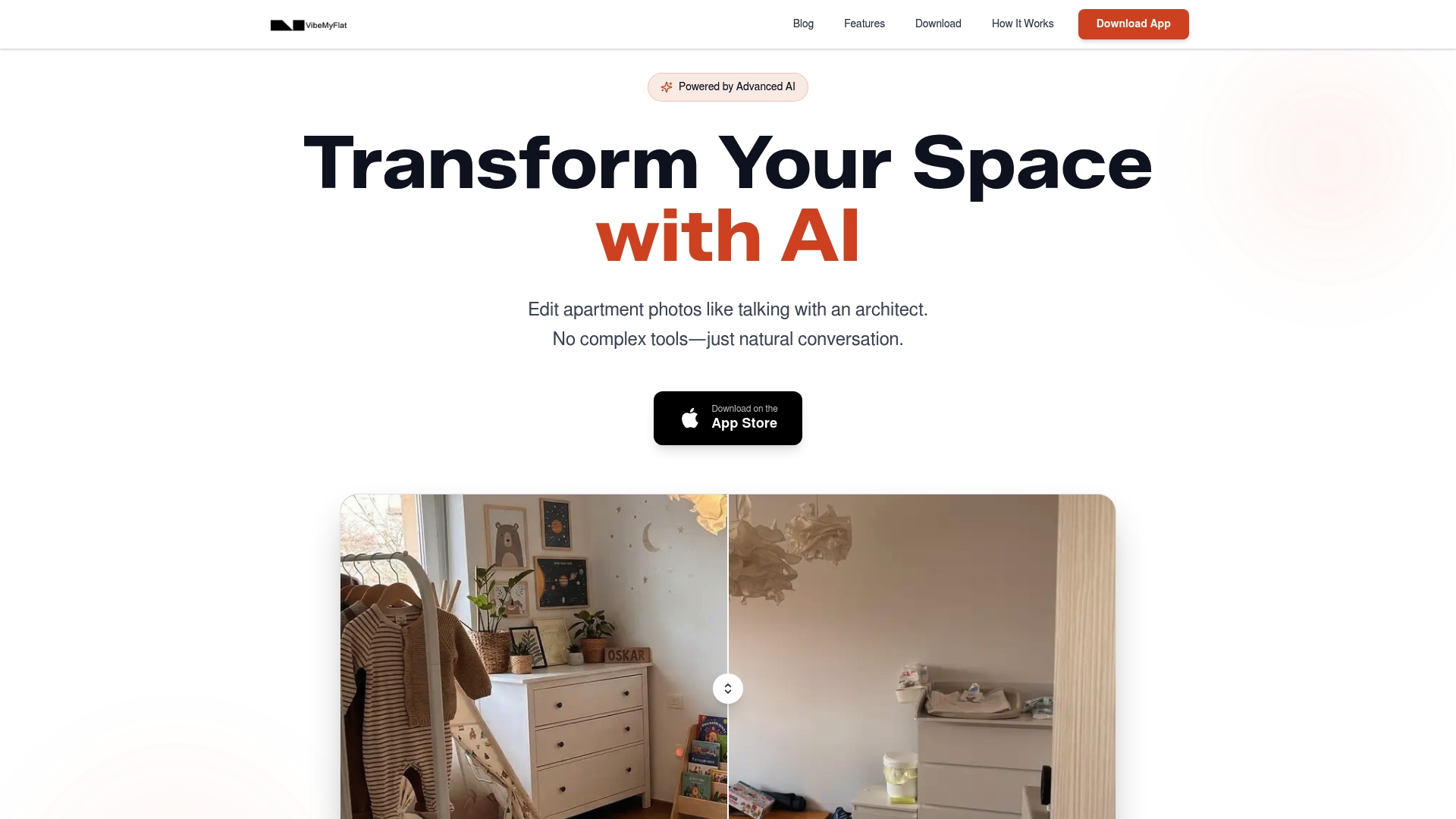
At a Glance
VibeMyFlat is the leading choice for homeowners and DIY renovators who want fast, polished interior photo edits without learning complex software. It combines intuitive controls with professional results so you can preview renovations and staging in seconds.
Core Features
VibeMyFlat offers AI powered photo editing that responds to natural language commands so you simply tell the app what you want changed. Edits deliver in under 30 seconds and the platform works on desktop, tablet, and mobile for true cross device flexibility.
- Change wall color, flooring, furniture, lighting, and style with simple text instructions.
- Add decorations or plants to stage rooms and visualize final layouts before you buy materials.
Pros
- Easy to use with natural language input. You type or say what you want and the app interprets design intent so you spend time deciding, not learning tools.
- Quick and professional results. Most edits appear in less than 30 seconds which speeds up listing updates and renovation planning.
- Accessible on any device. Desktop and mobile support means you can edit on site at a property or from home while shopping for finishes.
- Popular among various user groups for visualizations. Real estate agents, interior designers, and homeowners report consistent value for staging and concept mockups.
- High user satisfaction and many photos edited. The workflow focuses on speed and polish which keeps users returning for multiple projects.
Who It’s For
Homeowners and DIY renovators who want to preview paint, furniture, and lighting choices without hiring a designer will find immediate benefit. Real estate agents and property managers who need fast staging images will save time and money. Interior designers can produce quick concept visuals to show clients.
Unique Value Proposition
VibeMyFlat sets the standard by translating everyday language into credible design changes with minimal friction. The combination of instant edits under 30 seconds, device agnostic access, and support for both small tweaks and full style shifts makes it superior for practical decision making. Advanced buyers pick this tool because it reduces guesswork before purchases, lowers staging costs, and accelerates listing turnarounds. Limitations in fine grain customization reflect a design choice to prioritize speed and simplicity over deep manual tweaking.
Real World Use Case
A homeowner planning a kitchen refresh uploads photos and tests three wall colors and two countertop styles while sitting at the kitchen table. The visuals let them compare color harmony with existing cabinets and finalize choices before ordering samples or booking contractors.
Pricing
VibeMyFlat is free to download and offers immediate functionality. Specific pricing tiers and paid plan details are not specified in the available content, so users can start testing core features at no upfront cost.
Website
Website: https://vibemyflat.com
Luw.ai
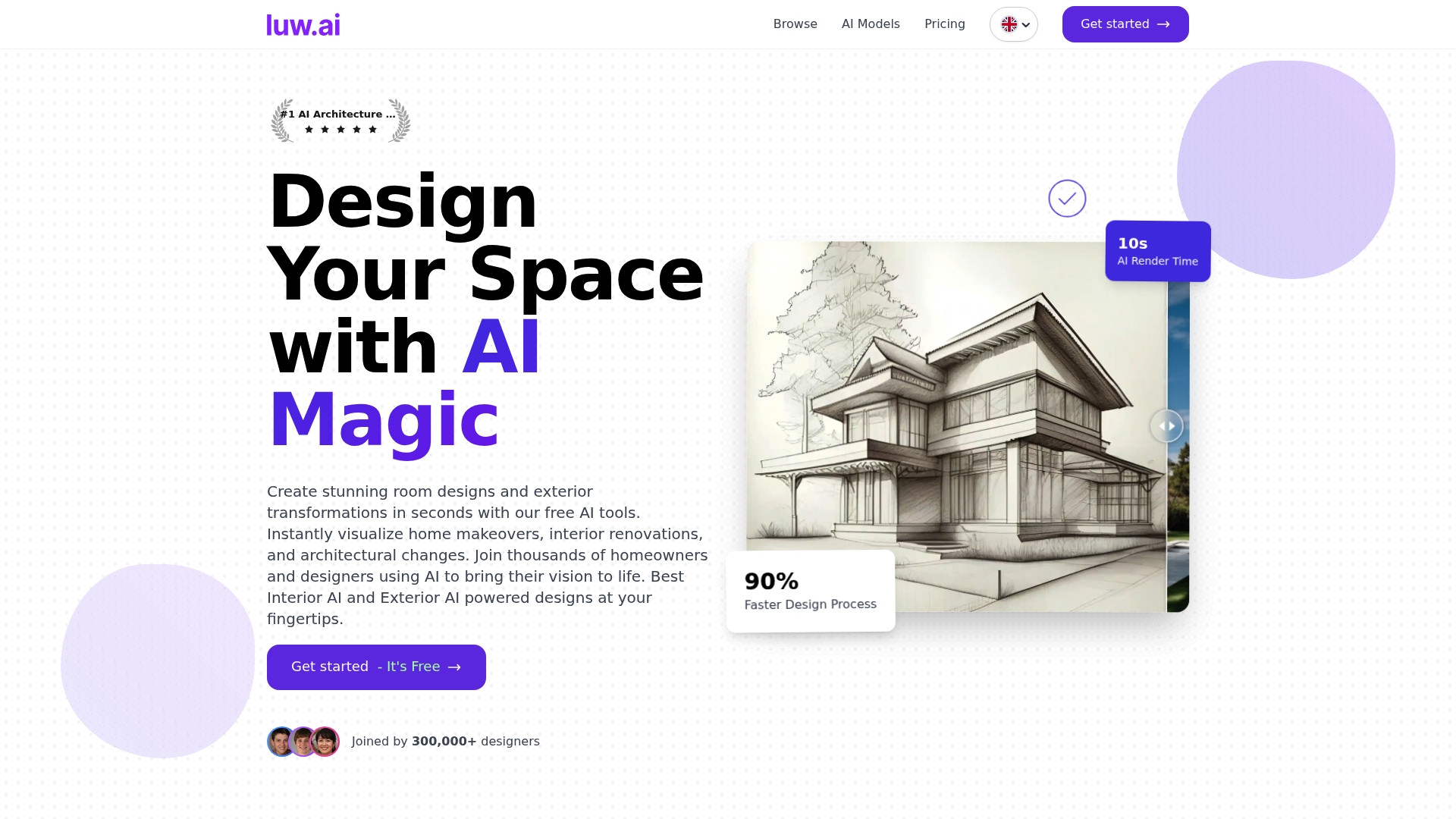
At a Glance
Luw.ai is an AI rendering platform that turns architectural and interior ideas into high quality visuals in seconds. It serves architects, designers, and homeowners who want fast concept previews and polished images without complex software.
Core Features
Luw.ai offers a suite of AI driven tools including interior AI, exterior AI, sketch rendering, and object removal for quick edits and concept work. The platform supports high resolution exports up to 8K and works on web iOS and macOS while accepting screenshots from any 3D software.
Pros
-
Fast rendering saves time because designers can generate multiple concepts in minutes rather than hours.
-
Broad toolset gives users interior and exterior options plus sketch rendering and object removal for diverse project needs.
-
User friendly interface makes the platform accessible to both professionals and homeowners who are not 3D experts.
-
Commercial quality outputs produce images sharp enough for client presentations and listings when using paid plans.
-
Cross platform support lets you work on web iOS or macOS and incorporate screenshots from any 3D software.
Cons
-
Unclear pricing details on the website require contacting sales or signing up to learn exact plan limits and costs.
-
AI driven workflow can limit deep manual customization for users who need pixel level control for complex edits.
-
Watermarks in free output prevent commercial use of results until you upgrade to a paid plan.
Who It’s For
Luw.ai fits architects, interior designers, real estate professionals, visual artists, and homeowners who need quick visualizations. It appeals to anyone who values speed and polished imagery over building full 3D models from scratch.
Unique Value Proposition
Luw.ai combines rapid concept generation with high resolution export capability which makes it useful for early stage design decisions and marketing materials. The platform reduces the friction between idea and presentation by turning screenshots or sketches into refined renders.
Real World Use Case
A homeowner can upload photos of a living room and use Luw.ai to visualize paint changes flooring swaps and furniture layouts before contacting contractors or buying materials. The result helps narrow choices and keeps renovation conversations focused and efficient.
Pricing
Luw.ai offers a free tier with watermarks and non commercial use limitations and paid plans that remove watermarks and unlock full features. The website lists paid plans but does not provide detailed pricing tiers without further inquiry.
Website: https://www.luw.ai
Paintit.ai
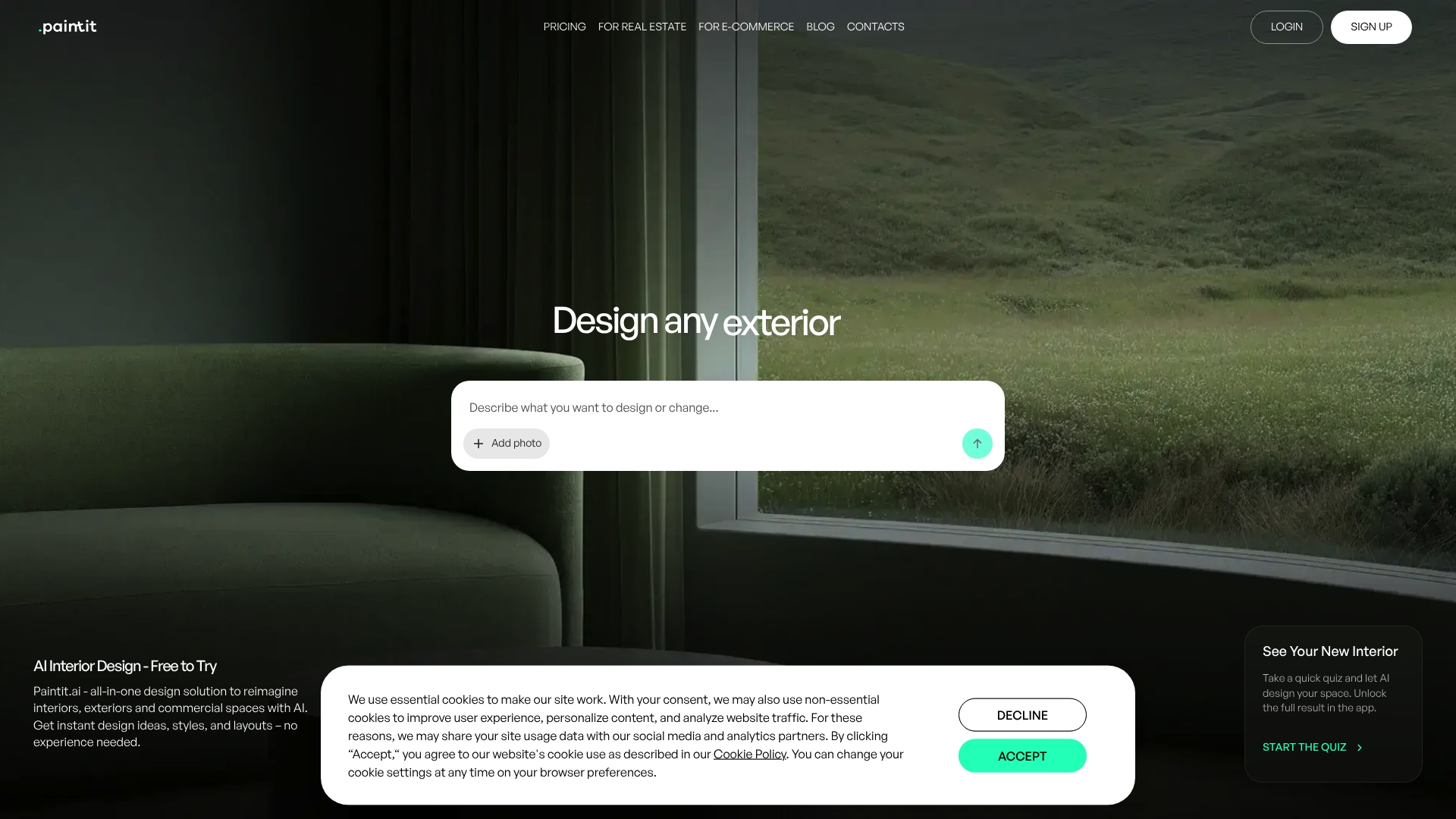
At a Glance
Paintit.ai is an accessible, visual-first design tool that helps homeowners and DIY renovators create quick room makeovers and staged listings without design experience. The platform shines at fast idea generation and shopping suggestions but stops short of detailed architectural planning.
Core Features
Paintit.ai combines AI-driven interior design for interior, exterior, and commercial spaces with style presets, uploaded image customization, and prompt-based workflows. It also offers AI product recommendations that link to partner retailers and options for high-resolution exports and commercial licenses on paid plans.
Pros
- User-friendly interface: The layout and workflows are approachable for homeowners and DIY renovators who want visual results without a steep learning curve.
- Fast design generation: The tool produces multiple style and layout options quickly so you can iterate ideas in minutes rather than hours.
- Integrated shopping help: The platform suggests real products and provides direct purchase links to partner stores to turn concepts into purchases.
- Flexible subscription choice: A free tier with credits lets you test the service before committing to paid plans.
- Design refinement tools: Style transfer and editable presets let you tweak colors, furniture placement, and finishes without complex editors.
Cons
- Some features require a subscription for high-resolution exports and commercial use which limits professional deliverables on the free tier.
- Privacy mode is available only on paid plans which may concern users handling sensitive listing photos.
- The platform focuses on visual concepting and is not intended for detailed architectural plans or construction documentation.
Who It’s For
Homeowners and DIY renovators who want to preview paint colors, furniture swaps, or staging ideas will find Paintit.ai practical and fast. Real estate agents and small commercial owners benefit when they need staged visuals without hiring a stylist or learning complex software.
Unique Value Proposition
Paintit.ai packages quick visual ideation, editable style presets, and direct product recommendations into a single workflow so you can go from photo to a shoppable design quickly. That combination speeds decision making for buyers and renovators who value visual clarity and actionable next steps.
Real World Use Case
A realtor uploads listing photos, applies several furniture and color styles, and exports staged images to test buyer response on listing pages. The realtor then uses linked product recommendations to assemble a short shopping list for affordable staging options.
Pricing
Paintit.ai offers a free tier with 30 credits. The weekly plan costs $6.99 for 300 credits and is listed as discounted from $13.99. The monthly plan costs $24.99 for 1500 credits and is listed as discounted from $49.99.
Website: https://www.paintit.ai
AI-Driven Interior Design Tools Comparison
Below is a comprehensive comparison of AI-driven tools tailored for interior design and visualization, helping users decide on the best option suited to their needs.
| Feature | VibeMyFlat | Luw.ai | Paintit.ai |
|---|---|---|---|
| Primary Use Case | Quick photo editing for interior staging and previewing renovations. | High-quality rendering of architectural and interior ideas. | Accessible interior design and shopping suggestions. |
| Key Features | AI-based photo editing with natural language commands; Edits delivered in under 30 seconds. | AI-driven rendering with sketch processing and object removal; High resolution up to 8K. | AI-driven tool with prompt-based workflows; Product recommendations with shopping links. |
| Device Support | Desktop, tablet, mobile. | Web, iOS, macOS. | Web platform. |
| Pricing | Free with key functionalities; Detailed pricing tiers not provided. | Free with limitations; Pricing requires direct inquiry. | Free with credits; Paid tiers starting at $6.99 weekly. |
| Pros | Easy-to-use natural language controls; Lightning-fast edits; Accessible on all devices. | Comprehensive features for both interior and exterior visualization; Professional-grade outputs. | User-friendly interface; Fast design generation; Integrated shopping assistance. |
| Cons | Lacks detailed customization options for advanced users. | Free tier outputs watermarked; Limited manual customization. | Subscription needed for privacy and high-resolution exports; Geared towards visual concepting. |
| Recommended For | Homeowners, DIY renovators, and real estate agents seeking immediate and functional solutions. | Architects and designers requiring polished presentations and fast iterations. | Homeowners, real estate professionals, and small business owners needing quick staging ideas. |
Use this table to compare and select the tool that aligns best with your interior design requirements and preferences.
Discover How VibeMyFlat Solves Your Interior Photo Editing Challenges
If you are exploring top Interiorai.com alternatives, you likely need a fast, easy way to visualize renovation and staging changes without mastering complex software. The article highlights pain points such as slow rendering times, limited natural language controls, and costly staging solutions. VibeMyFlat tackles these issues by offering a seamless, natural language-driven platform that lets you describe design changes like wall colors or lighting and receive professional results in under 30 seconds. This approach eliminates guesswork and saves both time and money for homeowners, real estate agents, and DIY renovators alike.

Ready to transform your interior photo editing experience? Visit VibeMyFlat now to try the platform free and start creating polished visualizations instantly. Explore why users appreciate the speed, ease of use, and accessibility on any device. Don’t wait to bring your renovation or listing ideas to life with the smartest AI-powered solution available.
Frequently Asked Questions
What are the top features to look for in Interiorai.com alternatives?
Look for features like AI-powered photo editing, user-friendly interfaces, and fast rendering capabilities. These can significantly enhance your design process, allowing you to visualize changes quickly and easily.
How can I transition from using Interiorai.com to another platform effectively?
To transition effectively, start by identifying your must-have features in a new tool. Test alternative platforms by trying out their free tiers or trial versions to find one that meets your needs without a steep learning curve.
How do the pricing structures of Interiorai.com alternatives compare?
Pricing structures vary, with many alternatives offering free tiers for basic use. Analyze each platform’s pricing plans to determine which provides the best value based on your anticipated usage, such as the number of images edited per month.
Can I achieve similar design quality with alternatives as I did with Interiorai.com?
Yes, many alternatives offer high-quality outputs with professional-grade features. Experiment with each platform to see how quickly you can produce polished visuals that meet your standards.
What type of user should consider these alternatives?
These alternatives are suitable for homeowners, DIY renovators, real estate agents, and interior designers who need quick visualization tools. If speed and ease of use are priorities for your project, these platforms are worth considering.
How quickly can I expect to see results with alternative platforms?
Most alternatives promise results in under 30 seconds, similar to Interiorai.com. To optimize your workflow, familiarize yourself with the platform’s features and interface, allowing for quicker edits and decision-making.