Why Change Wall Color Digitally: A Homeowner's Guide
Why Change Wall Color Digitally: A Homeowner's Guide
TL;DR:
- Digital wall color visualization uses AI to realistically simulate paint in room photos, reducing guesswork and sample waste. It helps homeowners confidently choose bold colors, communicate clearly with contractors, and explore design options quickly. However, lighting, finishes, and ambient bounce can still impact preview accuracy, making physical samples essential before finalizing a color.
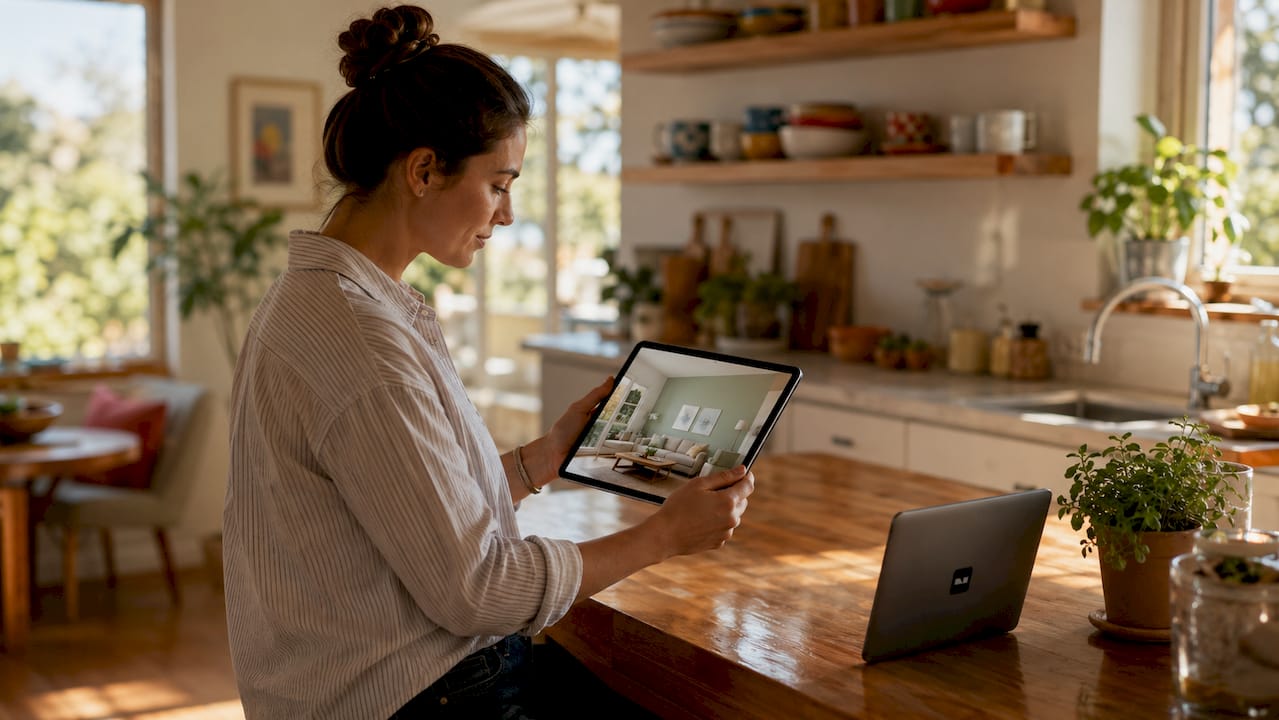
Digital wall color visualization is defined as the process of using AI and computer vision to realistically simulate paint colors on room photos before a single drop of paint is applied. The reason to change wall color digitally is simple: it eliminates guesswork, cuts wasted spending on sample pots, and gives you the confidence to commit to a color you actually love. AI wall paint visualizers reduce 80–90% of trial-and-error by delivering immediate, realistic previews. That single statistic explains why digital color previewing has become a standard step in modern home renovation planning. Platforms like Vibemyflat have made this process fast enough to complete in under 30 seconds, putting professional-grade visualization in the hands of any homeowner or renter.
Why change wall color digitally instead of using paint swatches?
Paint swatches lie. A 2-inch chip under store lighting tells you almost nothing about how a color will behave across a full wall in your living room at 7 PM. Digital wall color changing solves this by placing the actual color into your actual room, at scale, with your existing furniture and light sources already in the frame.
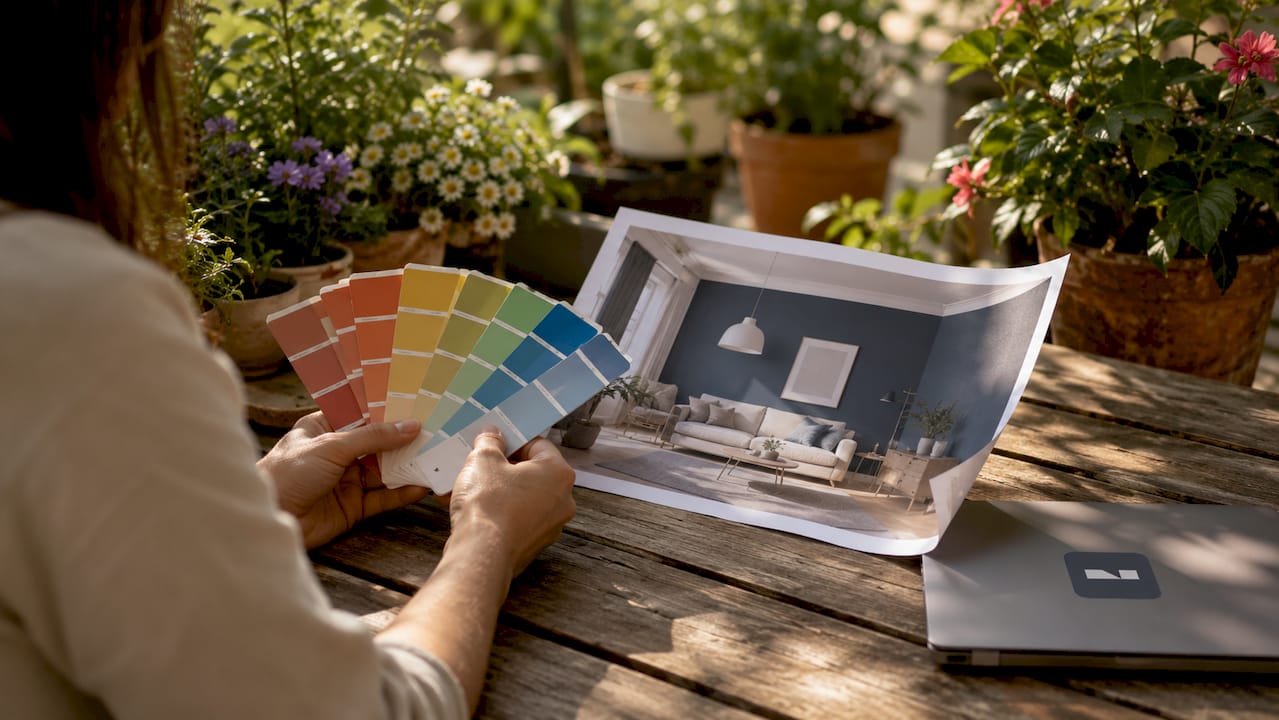
The technology behind this process is more sophisticated than most people realize. Modern AI tools use computer vision to analyze the geometry of a room photo, identifying walls, trim, ceilings, and architectural features as separate elements. Edge detection and segmentation keep the color change contained to the wall surface, so trim stays white and baseboards stay untouched.
Older tools used a technique called flood fill, which simply replaced pixels of a similar color. That approach failed at corners, shadows, and textured surfaces. Modern AI differs from flood fill by understanding 3D geometry and lighting physics, preserving shadows and surface texture for a result that looks like a real photograph rather than a digital painting.
Pro Tip: Take your room photo at the time of day when you spend the most time in that space. A photo shot at noon will show very different light than one taken at 6 PM, and the digital preview will reflect that difference.
What are the main benefits of changing wall color digitally?
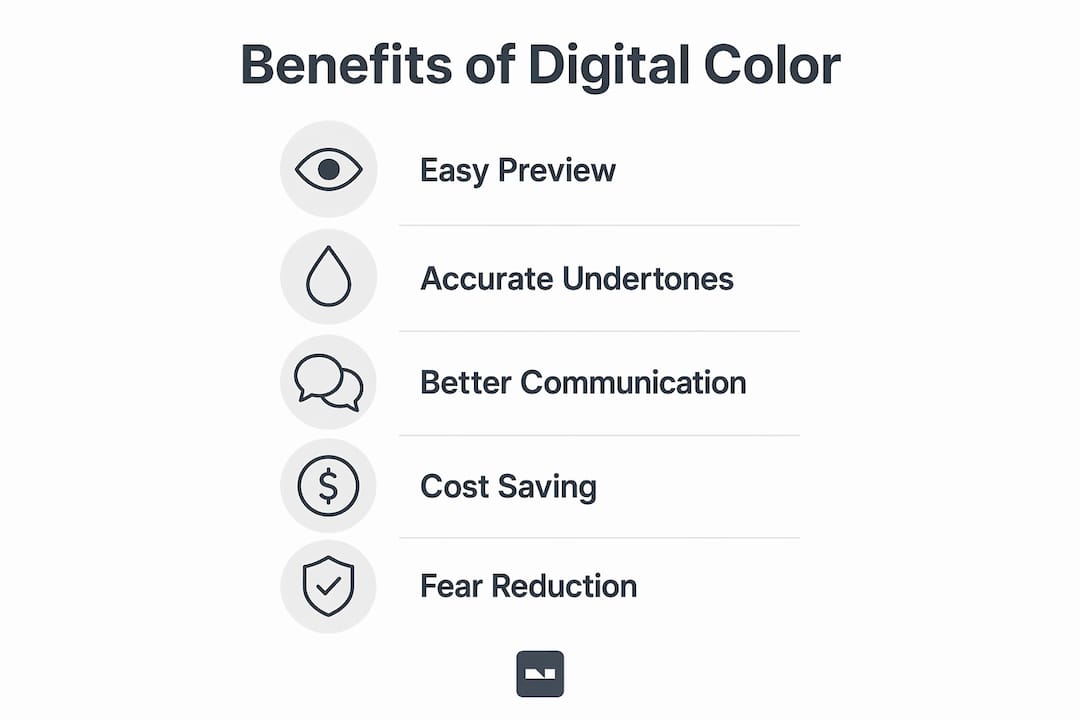
The practical advantages of digital color previewing go well beyond convenience. Here are the most significant ones, ranked by the impact they have on real renovation decisions:
- Elimination of costly sample waste. Paint sample pots add up fast. Digital visualizers reduce paint waste and unnecessary sample purchases, saving homeowners real money and reducing environmental impact.
- Freedom to test bold colors. Digital visualization enables homeowners to risk-test dramatic, bold colors safely, helping them avoid defaulting to safer neutrals they may later regret.
- Higher confidence in the final choice. Homeowners who preview colors digitally are 40% more likely to choose a non-neutral accent wall compared to those who rely only on physical swatches. That shift reflects genuine confidence, not impulse.
- Better coordination with existing furnishings. A digital preview shows how a new wall color interacts with your sofa, rug, and flooring in the same frame. No mental math required.
- Clearer communication with contractors. Digital renders serve as proof of concept between homeowners and contractors, reducing errors by clarifying exact paint areas and trim boundaries before work begins.
The communication benefit deserves extra attention. Describing a color verbally to a painter is notoriously unreliable. Showing them a high-resolution digital render of your room with the exact color applied removes all ambiguity. You can also use the render to get accurate quotes, since the painter can see the scope of the job clearly.
For homeowners exploring bold color inspiration, digital previewing removes the fear that has historically kept walls beige.
What factors affect the accuracy of a digital color preview?
Digital previews are accurate, but not perfect. Understanding where they fall short helps you use them wisely rather than blindly.
Lighting is the biggest variable. The same paint color looks entirely different under incandescent, fluorescent, and natural light. Retail paint chips often mislead because store lighting is rarely representative of home lighting. A digital preview tied to your own room photo handles this better than any chip, but it still captures only one lighting moment.
Undertones reveal themselves at scale. Undertones invisible on small swatches become obvious on full walls. A color marketed as “warm white” may read as distinctly yellow or pink once it covers 200 square feet. Digital previews at wall scale expose these undertones far earlier than a swatch ever could.
Paint finish is hard to simulate. Matte, eggshell, and satin finishes affect how a color appears in real life, but current digital tools struggle to replicate the difference accurately. A satin finish reflects light and reads slightly lighter and more vibrant than a matte version of the same color.
Ambient color bounce is not yet simulated. Current tools do not simulate ambient color bounce from painted walls to other surfaces. In reality, a deep navy wall will cast a subtle blue tint onto a white ceiling and adjacent furniture. Digital previews do not yet capture this effect.
| Factor | Digital preview accuracy | Physical sample accuracy |
|---|---|---|
| Color at scale | High | Medium |
| Undertone visibility | High | Low |
| Lighting variation | Medium | High |
| Finish simulation | Low | High |
| Ambient color bounce | Low | High |
Pro Tip: Always order one physical sample of your top digital choice and paint a 12-by-12-inch patch directly on the wall. Live with it for 48 hours across different lighting conditions before committing.
For homeowners navigating heritage home paint decisions, where undertones and period-accurate finishes matter most, combining digital previews with physical samples is especially important.
How to get the most out of digital wall color tools
Getting accurate results from a digital color tool depends heavily on the quality of your input photo and how you interpret the output.
- Use a well-lit, high-resolution photo. High-quality photos taken in natural lighting produce the most accurate digital wall color changes. Avoid flash photography, which flattens shadows and distorts wall texture.
- Photograph the full wall, not just a corner. A complete wall view gives the AI enough surface area to apply the color accurately and lets you see how it interacts with the room as a whole.
- Test at least five to eight colors per session. The goal is not to confirm a color you already love. It is to discover colors you would never have considered from a swatch rack.
- View each preview at different times of day. If the tool allows you to adjust lighting or if you photograph the room at multiple times, compare how the same color reads in morning versus evening light.
- Use the render as a communication tool. Share the digital preview with your designer, contractor, or even a trusted friend before finalizing. A second set of eyes on a realistic render catches problems you may have missed.
- Follow up with a physical sample. Digital visualization works best as part of a multi-step process that includes physical samples and professional advice. The digital step narrows your shortlist from dozens of options to two or three strong candidates.
Understanding the full scope of wall color editing helps you set realistic expectations and use digital tools at the right stage of your renovation process.
Key Takeaways
Digital wall color visualization is the most effective first step in any paint decision because it reduces costly errors, builds confidence, and opens up bolder creative choices before any money is spent on paint.
| Point | Details |
|---|---|
| AI beats swatches at scale | Digital previews show undertones and color behavior across a full wall, not a 2-inch chip. |
| Bold colors become accessible | Homeowners are 40% more likely to choose accent colors after virtual previewing versus physical swatches. |
| Accuracy has real limits | Finish simulation and ambient color bounce remain weak spots in current digital tools. |
| Photo quality drives results | Natural light and high resolution in your input photo directly determine preview accuracy. |
| Always validate physically | Use digital previews to narrow choices, then confirm with a painted sample patch before committing. |
The part most renovation guides skip
Most articles about digital wall color tools focus on how easy they are to use. That is true, but it misses the more interesting point. The real value is psychological, not technical.
Before digital previewing existed, choosing a bold color required a leap of faith. You bought the paint, you painted the wall, and then you either loved it or repainted it. That risk pushed most homeowners toward safe neutrals. Greige walls became the default not because people loved them, but because they were afraid of getting it wrong.
Digital previewing removes that fear entirely. When you can see a deep forest green on your actual living room wall in under 30 seconds, the color stops being abstract and starts being real. You can evaluate it, sit with it, and decide from a position of knowledge rather than anxiety.
I have seen this shift firsthand. Homeowners who would never have considered anything beyond white or light gray end up choosing colors they genuinely love, simply because they got to see it first. The technology does not just save money. It changes the quality of the decision.
The limitation I watch most closely is ambient color bounce. Right now, no digital tool accurately shows how a painted wall will tint the light in a room. That gap matters most in small spaces and rooms with low ceilings. Until that simulation improves, a physical sample patch remains non-negotiable for any color darker than a mid-tone. The AI-powered design visualization space is moving fast, and that capability is likely closer than most people think.
— Hello
See your walls in a new color before you pick up a brush
Vibemyflat puts AI-powered wall color visualization directly in your hands, with no design experience required.
Upload a photo of your room, describe the color you want in plain language, and Vibemyflat returns a realistic preview in under 30 seconds. The platform handles edge detection, lighting preservation, and wall segmentation automatically, so your trim stays clean and your shadows stay accurate. You can test dozens of colors in a single session, share renders with your contractor, and arrive at your final choice with full confidence. Try Vibemyflat to see exactly what your walls could look like before you spend a dollar on paint.
FAQ
Why change wall color digitally instead of buying samples?
Digital previewing shows how a color behaves across your entire wall under your actual lighting conditions. Physical samples require multiple purchases and still only show a small patch, which hides undertones and scale effects.
How accurate are AI wall color visualizers?
AI visualizers are highly accurate for color at scale and undertone visibility, but they do not yet simulate paint finish differences or ambient color bounce from walls to other surfaces. Always confirm your top choice with a physical sample patch.
Can digital wall color tools work for renters?
Yes. Renters can use digital previews to plan temporary solutions like removable wallpaper or to present color proposals to landlords with realistic visual evidence rather than verbal descriptions.
What photo works best for a digital wall color change?
A high-resolution photo taken in natural daylight, showing the full wall without flash, produces the most accurate results. Avoid photos with heavy shadows or extreme angles.
Does changing wall color digitally save money?
Digital previewing reduces paint waste and eliminates unnecessary sample pot purchases, leading to direct cost savings. It also reduces the risk of repainting an entire room after a color choice goes wrong.